1
STEP 2: INSTALL THE SOFTWARE AND CONNECT THE SCANNER
7.
13
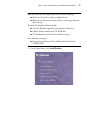
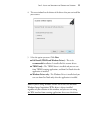
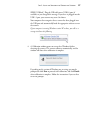
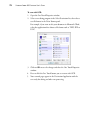
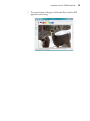
STOP when you see the “Complete the installation by connecting
your hardware” window. Do NOT click OK yet. Leave the window
open and proceed to the next section.
NOTE: If you do not see this on-screen diagram for connecting the
scanner, stop and follow the instructions below.
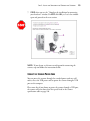
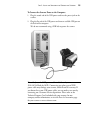
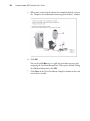
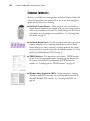
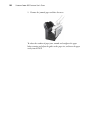
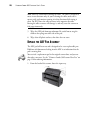
CONNECT THE SCANNER POWER CORD
You can power the scanner through the standard power cord to a wall
outlet, or use the USB power cord to power the scanner through a USB
port on the computer.
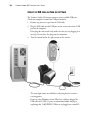
Please note that if you choose to power the scanner through a USB port,
the scanner will scan slower than the speeds listed in the scanner
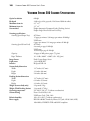
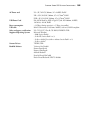
specification table on page 108.