1
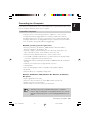
Four Pocket Word Modes
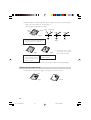
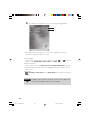
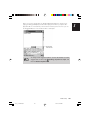
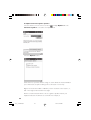
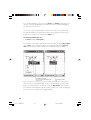
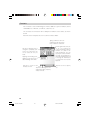
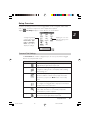
Pocket Word has the fours modes described below. You can switch between
modes as required to input text into a document.
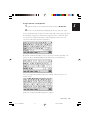
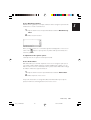
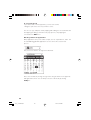
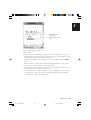
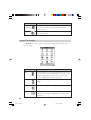
Typing Mode ................... Use this mode to input and edit text using the input
panel. In this mode, you can also use a variety of text
styles and attributes, including bold, italic, text color,
numbering and bullets, etc.
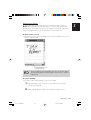
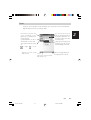
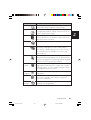
Writing Mode ................... Use this mode when you want to handwrite text and
figures on the screen with the stylus. This mode comes
in handy when jotting down a quick memo. As with input
panel input, you can edit text later if you want, change
the thickness and color of lines, etc.
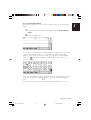
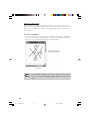
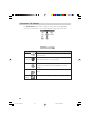
Drawing Mode ................. This mode is for freehand drawing of figures on the
screen with the stylus.
When drawing, you can specify line color and thickness,
and the fill color. You can change your specifications
after the drawing is complete, and also move or reshape
figures.
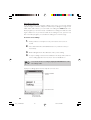
Recording Mode ............. Use this mode to embed an audio recording in a
document.
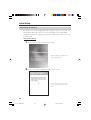
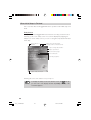
Pocket Excel
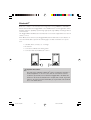
Pocket Excel is a spreadsheet program that lets you perform basic calculations,
high-level function calculations, and arrange data in tabular form. Use it to keep
track of your traveling and other expenses during business trips. Or create a
database of product data you can take along anywhere. The range of possible
uses for Pocket Excel is virtually unlimited. Data can be exchanged between
Pocket Excel and the PC version of Excel.
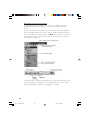
Note
• A file created with Pocket Excel is called a "book."
• Only files in the "My Documents" folder in the Rugged PDA main
memory or a "My Documents" folder on a memory card can be opened
from Pocket Excel. Files in folders that are not inside of the "My Documents" folder do not appear in the file list and so they cannot be
opened. See "Accessing Files on a Memory Card" on page 119 for
more information.
76
IT-10/67-100.p65
76
06.6.15, 6:47 PM