1
•
•
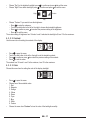
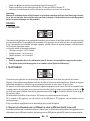
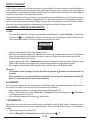
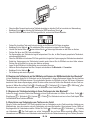
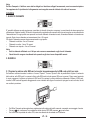
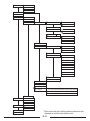
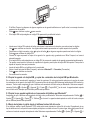
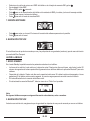
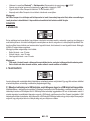
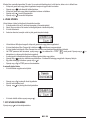
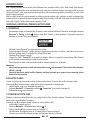
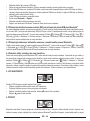
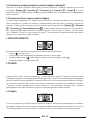
Choose “Day” for the brightest backlight: press
to confirm and press
to exit the menu.
Choose “Night” for a darker backlight: press
to confirm and press
to exit the menu.
Custom
Night
Day
•
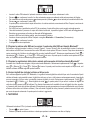
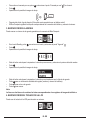
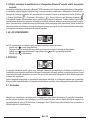
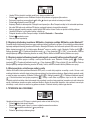
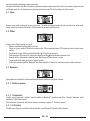
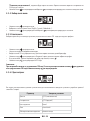
Choose “Custom” if you want to tune the brightness:
– Press
to enter the submenu.
– Turn the central button to the left or the right to choose the desirable brightness.
to restore the previous setting of the brightness.
– Press
to confirm or press
– Press
to exit the menu.
The custom setting of brightness has 16 levels. Level 0 switches the backlight off, level 15 is the maximum.
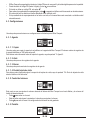
4. 3. 3. 2. Contrast
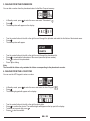
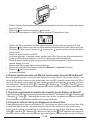
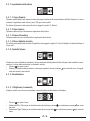
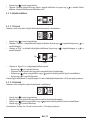
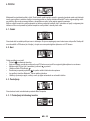
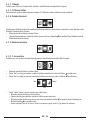
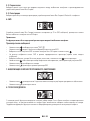
Use this menu item for setting the contrast of the display.
•
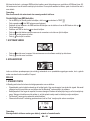
Press
to open the menu.
•
Turn the central button to the left or the right to set the desirable contrast.
to restore the previous setting of the contrast.
•
Press
to confirm or press
•
Press
to exit the menu.
The contrast has 16 levels. Level 0 is the minimum, level 15 is the maximum.
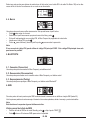
4. 3. 3. 3. Color
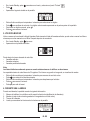
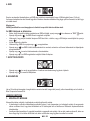
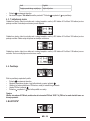
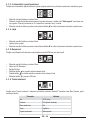
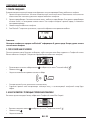
Choose this menu item for setting the color of the display backlight.
•
•
•
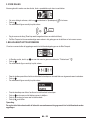
Press
to open the menu.
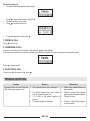
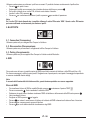
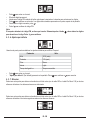
Choose one of the available colors:
1. Red
2. Magenta
3. Orange
4. Yellow
5. Green
6. Cyan
7. Blue
8. White
9. Custom
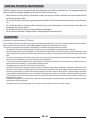
Choose the menu item “Custom” to tune the color of the backlight smoothly.
GB - 17