1
Instruction Manual
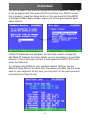
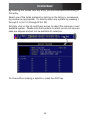
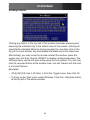
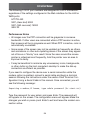
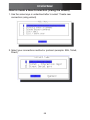
3. If you are choosing “Direct”, use the screens that follow to choose the
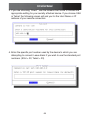
appropriate setting for your serially attached device. If you choose SSH
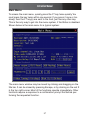
or Telnet, the following screen will ask you for the Host Name or IP
address of your remote connection:
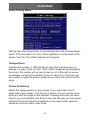
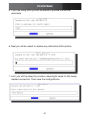
4. Enter the specific port number used by the device to which you are
attempting to connect. Leave blank if you wish to use the standard port
numbers. (SSH = 22, Telnet = 23)
60