1
User’s Manual
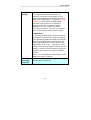
4.5.1 Cropping
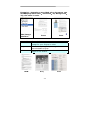
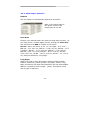
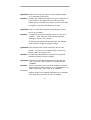
Cropping allows you to capture a portion of the document
being scanned. Choice: Automatic, Fixed to
Transport, EOP (End of Page) Detection.
Options
Description
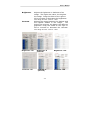
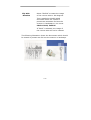
Automatic
Automatic adjusts the cropping window
according to different document sizes. Use
this option for batches of mixed-sized
documents.
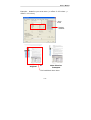
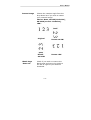
Fixed to
Transport
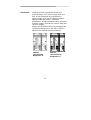
This feature allows you to define the area
or zone to be imaged. Use for batches of
same-sized documents. If you select this
option, you can use the arrow keys to
define the x and y offset values, width and
length to redefine your scanned area. The
Display window will show image placement
as you change the values.
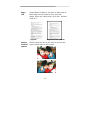
EOP (End of
Page)
Detection
This feature allows you to define the area
or zone to be imaged. Use for batches of
same-width but different length
documents. If you select this option, you
can use the arrow keys to define the x and
y offset values, width and length to
redefine your scanned area. The Display
window will show image placement as you
change the values.
4-23