1
4
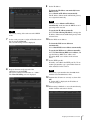
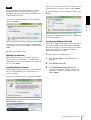
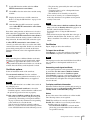
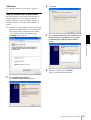
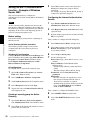
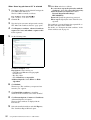
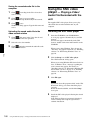
Select Off in the “General” tab.
8
Click OK.
Preparation
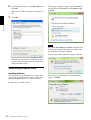
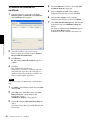
The video network station will be displayed in the
list.
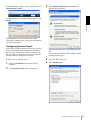
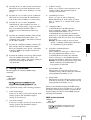
If you want to keep Windows Firewall On, continue
with the following steps.
5
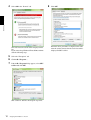
Select the “Exceptions” tab.
6
Click Add a Program….
7
If the Add a Program dialog appears, select SNC
toolbox and click OK.
SNC toolbox is added to the Program or port list.
12
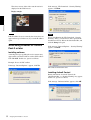
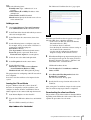
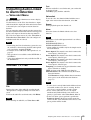
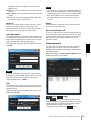
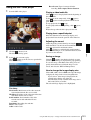
Assigning the IP Address to the unit
When the above procedure is completed, the video
network station connected in the local network are
displayed in SNC toolbox.