1
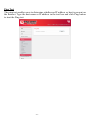
Wireless setting
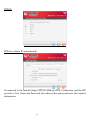
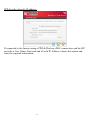
This section enables user to set wireless communications parameters for the router's
wireless LAN feature.
Basic
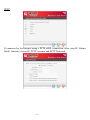
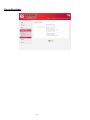
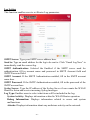
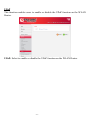
This page allow user to enable and disable the wireless LAN function, create a
SSID, and select the channel for wireless communications.
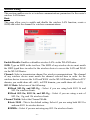
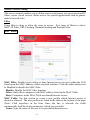
Enable/Disable: Enables or disables wireless LAN via the WLAN Router.
SSID: Type an SSID in the text box. The SSID of any wireless device must match
the SSID typed here in order for the wireless device to access the LAN and WAN
via the WLAN Router.
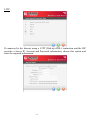
Channel: Select a transmission channel for wireless communications. The channel
of any wireless device must match the channel selected here in order for the
wireless device to access the LAN and WAN via the WLAN Router.(When in FCC
domain, you could chose ch1~ch11; in ETSI domain, you could chose ch1~ch13)
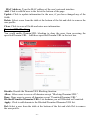
802.11 Mode: Select one of the following:
zMixed 802.11g and 802.11g - Select if you are using both 802.11b and
802.11n wireless clients.
zMixed 802.11n, 802.11b, and 802.11g - Select if you are using a mix of
802.11n, 11g, and 11b wireless clients.
Channel Width: Select the Channel Width:
zAuto 20/40 - This is the default setting. Select if you are using both 802.11n
and non-802.11n wireless devices.
z20MHz - Select if you are not using any 802.11n wireless clients.
- 27 -