1
Introduction
3.
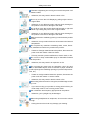
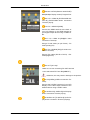
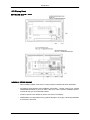
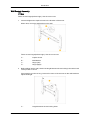
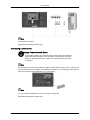
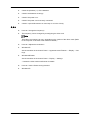
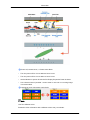
Tighten the 4 screws in step 2 (plastic hanger + screw B)to the rear holes of the product.
4.
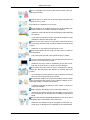
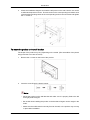
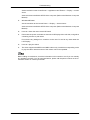
Remove safety pin (3) and insert the 4 product holders into the corresponding bracket
holes (1). Then place the product(2) so that it is firmly fixed to the bracket. Make sure to
re-insert and tighten the safety pin (3) to securely hold the product to the bracket.
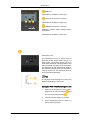
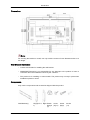
A-
LCD Display
B-
Wall Bracket
C-
Wall
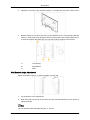
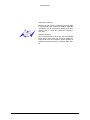
Wall Bracket Angle Adjustment
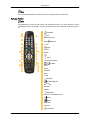
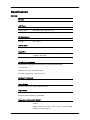
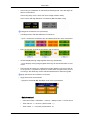
Adjust the bracket angle to -2° before installing it on the wall.
1.
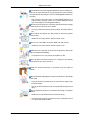
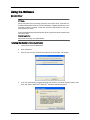
Fix the product to the wall bracket.
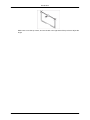
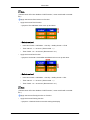
2.
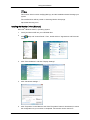
Hold the product at the top in the center and pull it forward (direction of the arrow) to
adjust the angle.
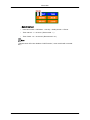
Note
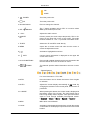
You can adjust the bracket angle between -2° and 15°.