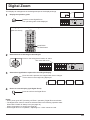
1
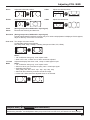
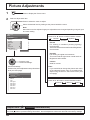
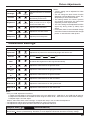
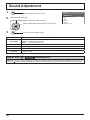
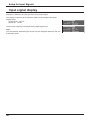
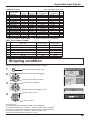
Selecting the input signal
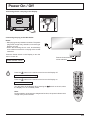
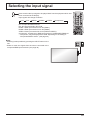
Press to select the input signal to be played back from the equipment which has
been connected to the Display.
Input signals will change as follows:
PC
DVI
HDMI1
HDMI2
VIDEO
Component*
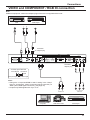
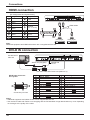
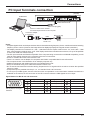
PC: PC input terminal in PC IN.
DVI: DVI input terminal in DVI-D IN.
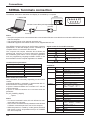
HDMI1: HDMI input terminal in AV IN (HDMI1).
HDMI2: HDMI input terminal in AV IN (HDMI2).
VIDEO: Video input terminal in AV IN (VIDEO/S-VIDEO).
Component*: Component or RGB input terminal in COMPONENT/RGB IN.
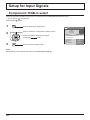
* “Component” may be displayed as “RGB” depending on the setting of
“Component/RGB-in select”. (see page 36)
Notes:
• Selecting is also possible by pressing the INPUT button on the
unit.
• Select to match the signals from the source connected to the
component/RGB input terminals. (see page 36)
15