1
Connections
Note
•
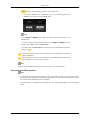
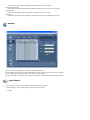
Press SOURCE on the product or remote control and select "Component".
•
Then, start the DVD Player with a DVD disc inserted.
•
A RGB to component cable is optional.
•
For an explanation of Component video, consult your DVD manual.
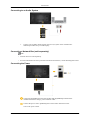
Connecting a DTV Set Top (Cable/Satellite) Box
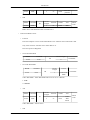
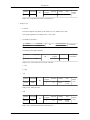
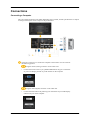
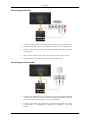
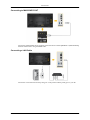
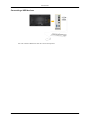
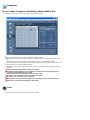
Connect a RGB to Component cable between the [RGB/COMPONENT IN] port
on the LCD Display and the PR, Y, PB jacks on the Set Top Box.
Connect a set of audio cables between the [AV/COMPONENT AUDIO IN [LAUDIO-R]] on the LCD Display and the AUDIO OUT jacks on the Set Top Box.
Note
•
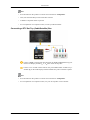
Press SOURCE on the product or remote control and select "Component".
•
For an explanation of Component video, see your Set Top Box owner's manual.