1
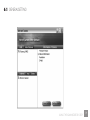
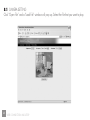
8.1 CAMERA SETTING
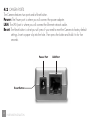
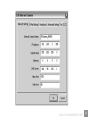
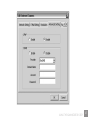
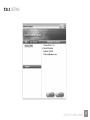
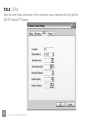
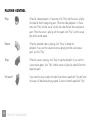
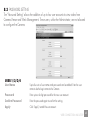
Digital Zoom Allows you to zoom in or zoom out.
Click “x2” and the image size in the display area will be magnified twice
the original size. In 640x480 resolution, only the central area of the screen
will be magnified twice. Click “x1”and the image size in the display area
will return to the original size.
Frequency Select the line frequency (50 or 60MHz) to improve the viewing quality
under fluorescent light.
ResolutionSelect the desired video resolution format. Larger resolution requires more
bandwidth. 640 x 480 is “VGA” format. 320 x 240 is “CIF” format. The
default resolution is CIF format.
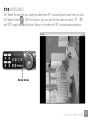
Snap Shot and MailIf you want to capture a snapshot image from the current video, click this
button. The system will immediately send the picture to the E-Mail account
you set up in the “E-Mail Setting”.
Apply Click “Apply” to validate “Frequency” or “Resolution” setting.
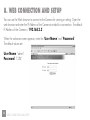
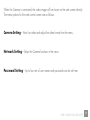
WEB CONNECTION AND SETUP
61