1
3 CONFIGURATION
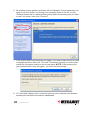
Once the driver is installed, it will automatically try to connect to any unencrypted
wireless access point. If you want to connect to a specifi
specificc wireless access point, or
if the access point you want to connect to uses encryption, you need to configure
configure
the Wireless 150N
rst.
300N PCI Card and input the required parameters fifirst.
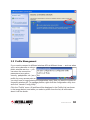
The current status of your wireless connection is indicated by the appearance of
the confi
guration utility icon.
configuration
The wireless connection is established: good signal reception.
The wireless connection is established: normal signal reception.
The wireless connection is established: weak signal reception.
The connection is not established yet or was lost.
The wireless network card is not detected.
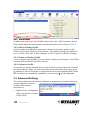
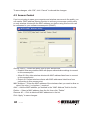
3.1 Network Settings
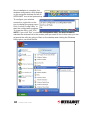
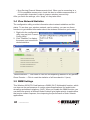
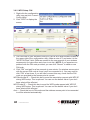
Right-click the configuration
configuration utility icon on the desktop to display the popup menu;
then click “Launch Confi
g Utility” (as shown on Page 10). The utility will automatically
Config
begin to scan for all wireless access points and display a Network screen.
INTELLINET_UI
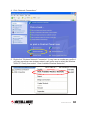
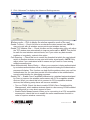
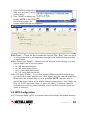
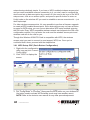
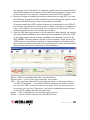
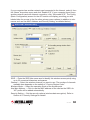
As mentioned in Section 2: Driver Installation, there are two ways to confi
gure the
configure
card to connect to a wireless access point: using the INTELLINET configuration
configuration
utility and using Windows’ built-in Microsoft Zero Confi
guration Tool. Both options
Configuration
are detailed below.
CONFIGURATION
11