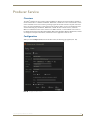
1
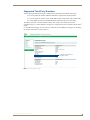
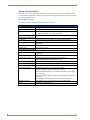
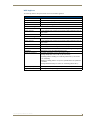
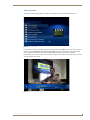
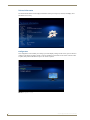
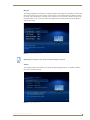
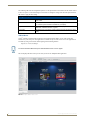
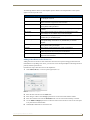
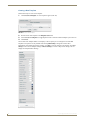
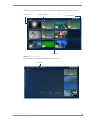
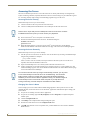
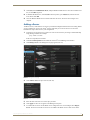
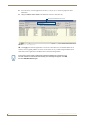
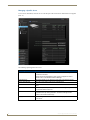
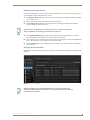
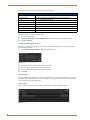
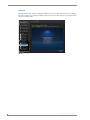
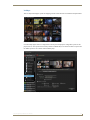
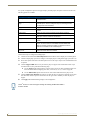
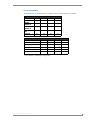
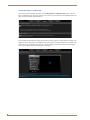
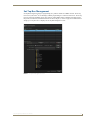
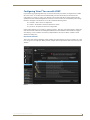
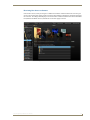
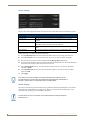
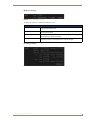
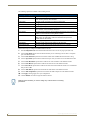
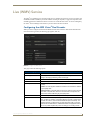
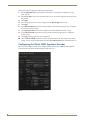
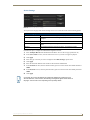
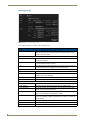
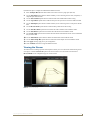
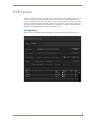
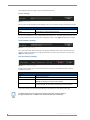
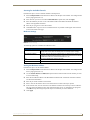
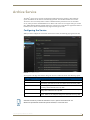
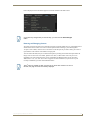
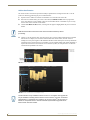
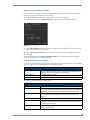
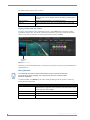
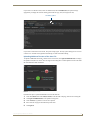
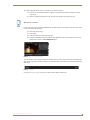
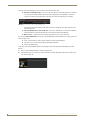
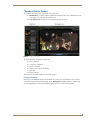
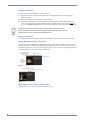
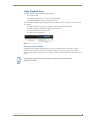
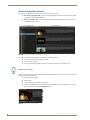
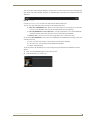
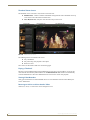
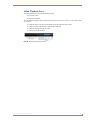
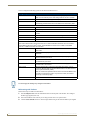
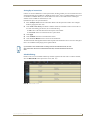
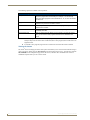
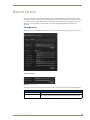
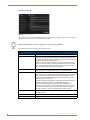
Thumbnail Editor The Archive Navigation Pane works in a similar way to windows explorer: Click the arrows beside the folders to expand or contract them, revealing or hiding the contents respectively Videos are indicated by filmstrip icons. The video title appears to the right of the icon. MP3 files are not shown. Click a video you want to create/edit thumbnails for; this adds the video to the selected video area. Each video in this area contains the following: Video title (above image) Video image Video description (to the right of the image) Number of thumbnails associated with the video (thumbnail count). If this number is one or more then the video will have a show thumbnails button. FIG. 92 Video in Selected Video Area You can also select videos using the Search bar. Enter the text you want to search for and click the magnifying glass. Videos with a title, metadata, description, or thumbnail which contain this text are added to the Selected Video Area. FIG. 93 Search Bar Click Clear current selections to remove all videos from the Selected Video Area. Vision2 Operation/Reference Guide 97