1
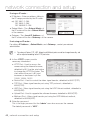
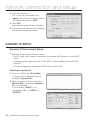
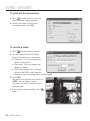
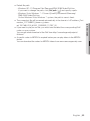
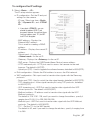
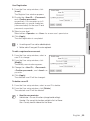
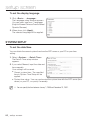
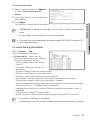
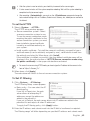
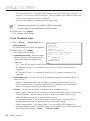
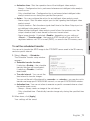
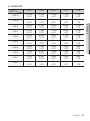
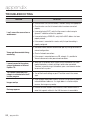
To set the system time 1. Select a desired address in <Address> or select <Synchronize with PC viewer>. 2. If you select Manual, input the date and time manually. M <NTP Server IP> is provided by a public agency, the list of which is subject to change from time to time. In a local network, a separate NTP server must be manually defined. J The current time can vary depending on the computers regional (GMT and DST) and country (PC time configuration) settings. To check the log information Select <system> - <log>. The Log information list appears. System log list : Shows the log information about the system changes along with time and IP address. - System started: When the camera turns on - User login: When the user logs in to the camera - System restarted: When the camera restarts - Network is up: When accessing the network - Network is down: When not accessing the network - Video param. changed: When the video related parameters are changed - System time changed: When the system time is changed - Network configuration change: When the network related configurations are changed - Alarm occurrence 1, 2: When an alarm is generated - Intelligent Video Analysis occurrence: When an intelligent video analysis event is generated. - FTP send error: When FTP transfer failed - SMTP send error: When sending e-mail message through SMTP server fails. M The maximum of 2000 logs can be recorded. If the log number is over 2000, the log in the bottom of the log list will be replaced with a new log. English _61 ● Setup Screen 3. Click [Apply]. The specified system time will be applied.