1
■■ Videos
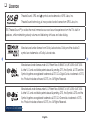
Playing Video
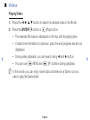
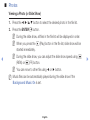
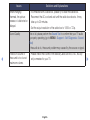
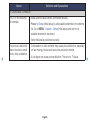
1. Press the ◄/►/▲/▼ button to select the desired video in the file list.
2. Press the ENTERE button or � (Play) button.
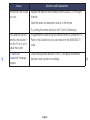
–– The selected file name is displayed on the top with its playing time.
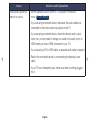
–– If video time information is unknown, play time and progress bar are not
displayed.
◀
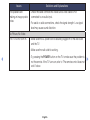
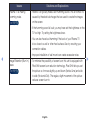
–– During video playback, you can search using ◄ and ► button.
–– You can use (�) (REW) and (µ) (FF) buttons during playback.
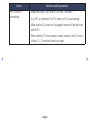
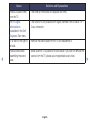
NN In this mode, you can enjoy movie clips contained on a Game, but you
cannot play the Game itself.
English
▶