1
G:\Project_2010_Aug\Feiyu_20111219_FX780master page=Right_2
FX980_EC1\2_target\FX780_EC1\4411681211\4411681211DVPFX780CEK\01GB010COV.book
Page 5 Thursday, February 9, 2012 10:52 AM
DVPFX780CEK\040GUI.fm
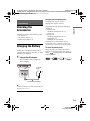
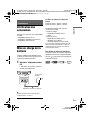
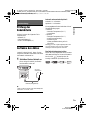
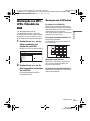
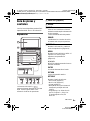
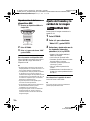
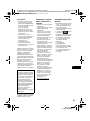
Guide to Parts and
Controls
The available functions differ depending
on the disc or the situation.
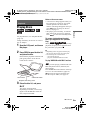
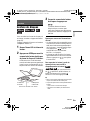
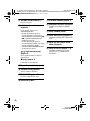
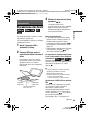
Player
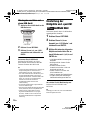
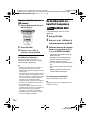
A LCD panel (page 9)
B Speaker
C HOLD
Prevents accidental button operation
when pressed for more than two
seconds.
All the buttons are locked.
SOUND
Switches among 4 different sound
modes each time pressed.
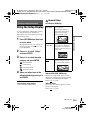
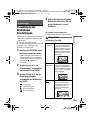
D DISPLAY
Displays the playback information and
changes the playback mode (page 10).
MENU
Displays the DVD VIDEO’s menu.
When playing a JPEG file, plays a
slideshow (page 11).
C/X/x/c
Moves the highlight to select a
displayed item.
ENTER
Enters the selected item.
RETURN
Returns to the previous display.
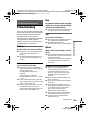
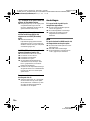
OPTIONS
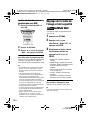
The VOLUME+ and
(play/pause)
buttons have a tactile dot. Use the tactile
dot as a reference when operating the
player.
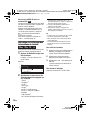
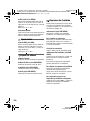
Displays the options menu.
• Disc/USB (page 12)
• LCD Mode (page 12)
• Setup (page 13)
• Menu/Top Menu: Displays the DVD
VIDEO’s menu/top menu.
• Original/Play List: Select the DVD
VR’s “Original” or “Play List.”
E VOLUME (sound volume) +/–
Adjusts the volume.
,continued
DVP-FX780
4-411-681-21(1)
5GB