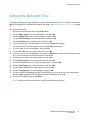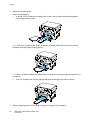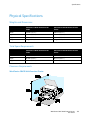
1
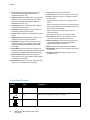
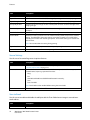
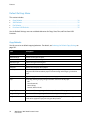
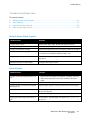
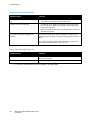
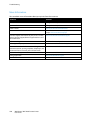
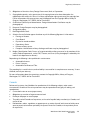
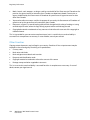
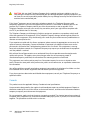
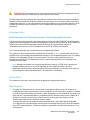
Features
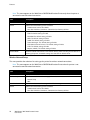
Symbol
Name
Description
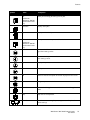
Fax
Available on
WorkCentre 3045NI
Multifunction Printer
only.
Allows you to change job settings for fax jobs.
Job Status
Displays active jobs.
System
Displays or closes the System Menu screen.
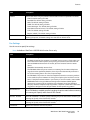
Address Book
Available on
WorkCentre 3045NI
Multifunction Printer
only.
Allows you to access the printer address book.
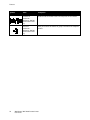
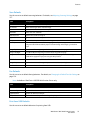
Forward Arrow
Moves one level down in menu selections or moves the cursor to the
right when setting a value.
Back Arrow
Moves one level up in menu selections or moves the cursor to the left
when setting a value.
Up Arrow
Displays the previous menu or item.
Down Arrow
Displays the next menu or item.
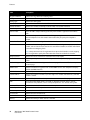
OK
Selects or executes the option or function displayed on the screen.
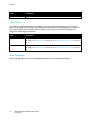
Return
Navigates up one menu level.
Power Saver
Indicates the Energy Saver status. Controls exit from Energy Saver
Mode.
Stop
Stops the current operation.
Clear All
Clears the current settings for print, copy, scan, or fax job to the
default settings.
WorkCentre 3045 Multifunction Printer
User Guide
23