1
Getting Started
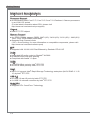
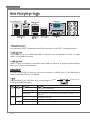
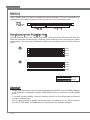
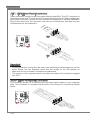
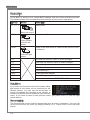
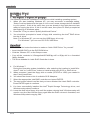
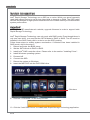
Back Panel Quick Guide
Mouse/Keyboard
LAN
VGA Port
USB 2.0 Port
Line-In
RS-Out
Line-Out CS-Out
Mic
USB 2.0 Port
HDMI Port
SS-Out
DVI-D Port
USB 3.0 Port
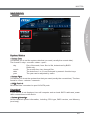
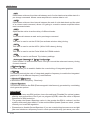
▶ Mouse/Keyboard
A combination PS/2® mouse/keyboard DIN connector for a PS/2® mouse/keyboard.
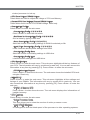
▶ USB 2.0 Port
The USB 2.0 port is for attaching USB 2.0 devices such as keyboard, mouse, or other
USB 2.0-compatible devices.
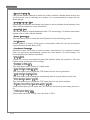
▶ USB 3.0 Port
USB 3.0 port is backward-compatible with USB 2.0 devices. It supports data transfer
rate up to 5 Gbit/s (SuperSpeed).
Important
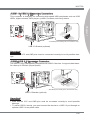
In order to use USB 3.0 devices, you must connect to a USB 3.0 port. If a USB cable is
used, it must be USB 3.0 compliant.
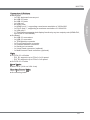
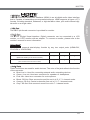
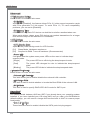
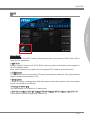
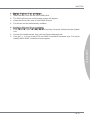
▶ LAN
The standard RJ-45 LAN jack is for connecting to a
Local Area Network (LAN).
Yellow
Green/ Orange
LED
Color
LED State
Condition
Left
Yellow
Off
LAN link is not established.
On(Steady)
LAN link is established.
On(flashing)
The computer is communicating with another computer on the
network.
Off
10 Mbits/sec data rate
Right
Green
Orange
1-8
On
100 Mbits/sec data rate
On
1000 Mbits/sec data rate