1
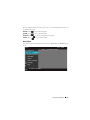
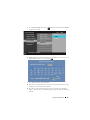
Adjust the image scale by pressing
Zoom+ or Zoom- on your remote control.
Zoom
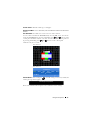
ZOOM NAVIGATION—Press
menu.
Use
to activate Zoom Navigation
to navigate projection screen.
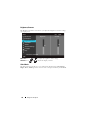
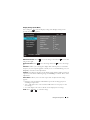
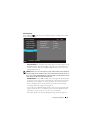
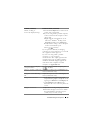
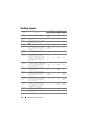
Display Settings (In Video Mode)
Select and press
to activate Display settings. The Display settings menu
provides the following options:
Advanced Settings
Dell
Image Settings
Aspect Ratio
Original
Display Settings
Zoom
X1
Projector Settings
Zoom Navigation
Press
Menu Settings
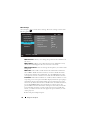
3D Display
Off
Power Settings
3D Sync Invert
Off
1420X
Information
Resolution: 720x480
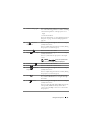
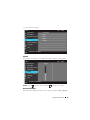
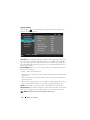
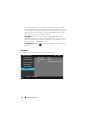
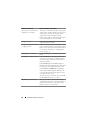
ASPECT RATIO—Allows you to select the aspect ratio to adjust how the image
appears.
• Original — Select Original to maintain the aspect ratio of image projected
according to input source.
• 16:9 — The input source scales to fit the width of the screen to project a 16:9
screen image.
• 4:3 — The input source scales to fit the screen and projects a 4:3 image.
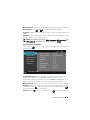
ZOOM—Press
34
and
to zoom the image.
Using Your Projector