1
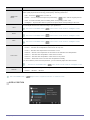
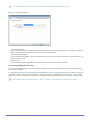
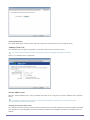
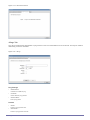
The Portal Label parameters can also be configured using the Webpage Administration Interface.
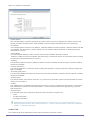
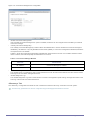
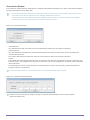
Figure 2-5: <Label> Configuration
•
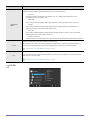
<PCoIP Device Name>
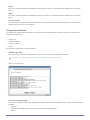
If the <PCoIP Device Name> allows the administrator to give the Host or Portal a logical name. The default is pcoip-hostMAC or pcoip-portal-MAC where MAC is the Host or Portal’s MAC address.
•
<PCoIP Device Description>
The <PCoIP Device Description> allows the administrator to give the Host or Portal a description or more information, e.g.
location of endpoint, etc.
•
<Generic Tag>
The <Generic Tag> allows the administrator to give the Host or Portal a generic tag information.
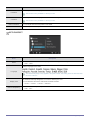
<Connection Management> Tab
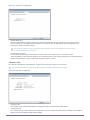
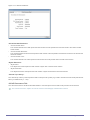
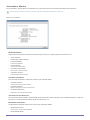
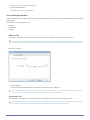
The <Connection Management> tab allows enabling or disabling connection management, and to specify the IP address of
the connection manager.
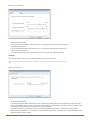
In a managed connection, an external <Connection Managerment> Server communicates with and can remotely control and
configure the device. Additionally, the connection manager can locate an appropriate peer for the device to connect to and
initiate the connection. <Connection management> can greatly simplify the administration effort for a large, complex system.
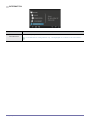
The Connection Management parameters can also be configured using the Webpage Administration Interface.
Installing the Software
4-1