1
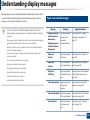
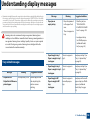
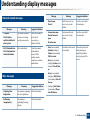
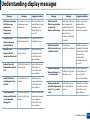
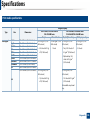
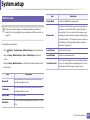
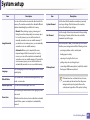
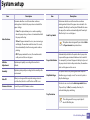
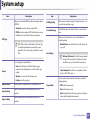
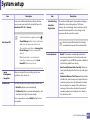
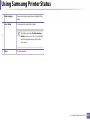
Understanding display messages
a. Estimated cartridge life means the expected or estimated toner cartridge life, which indicates
the average capacity of print-outs and is designed pursuant to ISO/IEC 19798 (see "Available
consumables" on page 89). The number of pages may be affected by operating environment,
percentage of image area, printing interval, media, percentage of image area, and media size.
Some amount of toner may remain in the cartridge even when replace new cartridge appears
and the machine stops printing.
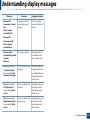
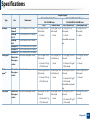
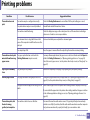
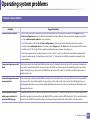
Message
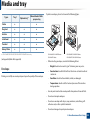
• Paper jam or
empty in tray
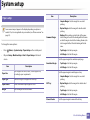
Tray-related messages
Message
Meaning
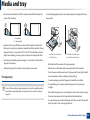
• Output bin full
Output bin full. Remove
printed paper
The output tray is full.
Suggested solutions
Remove papers from
the output tray, the
printer resumes
printing.
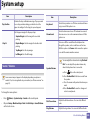
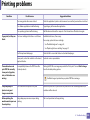
Suggested solutions
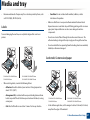
• Paper has jammed
in the paper feed
area.
• Clear the jam (see
"CLX-419xN/CLX419xFN/CLX-419xFW
Series" on page 125
).
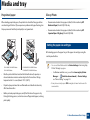
• There is no paper in
tray.
Samsung does not recommend using a non-genuine Samsung toner
cartridge such as refilled or remanufactured. Samsung cannot guarantee a
non-genuine Samsung toner cartridge's quality. Service or repair required
as a result of using non-genuine Samsung toner cartridges will not be
covered under the machine warranty.
13
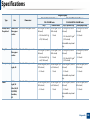
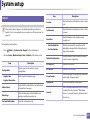
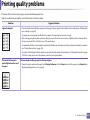
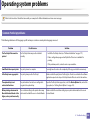
Meaning
• Load paper in tray
(see "Multi-purpose
(or Manual feeder)
tray" on page 52).
• Paper Empty in tray 1
There is no paper in
Paper is empty in tray 1. tray 1.
Load paper
Load paper in tray 1 (see
"Tray 1 / optional tray"
on page 49).
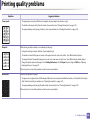
• Paper Empty in tray 2
There is no paper in
Paper is empty in tray 2. tray 2.
Load paper
Load paper in tray 2 (see
"Tray 1 / optional tray"
on page 49).
• Paper Empty in MP
Paper is empty in MP
tray.
Load paper
Load paper in the multipurpose tray (see "Multipurpose (or Manual
feeder) tray" on page
52).
There is no paper in
the multi-purpose
tray.
4. Troubleshooting
138