1
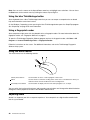
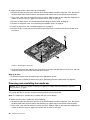
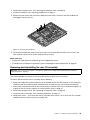
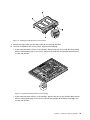
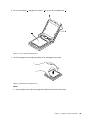
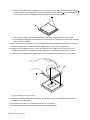
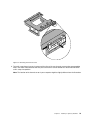
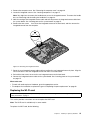
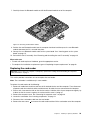
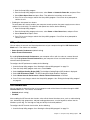
Figure 20. Installing the hard disk drive into the bracket
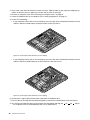
9. Connect the signal cable and the power cable to the new hard disk drive.
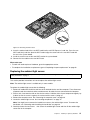
10. To install the hard disk drive to the chassis, do one of the following:
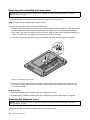
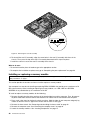
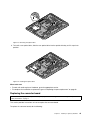
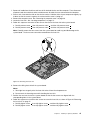
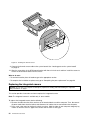
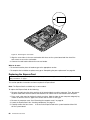
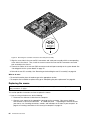
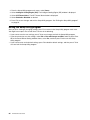
• If your computer comes with the 20-inch display, align the two pins on the hard disk drive bracket
with the corresponding slots in the chassis and press the hard disk drive bracket downward until
it snaps into position.
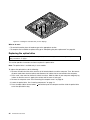
Figure 21. Installing the hard disk drive (20-inch display)
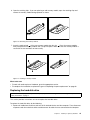
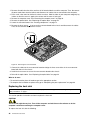
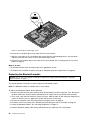
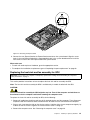
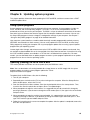
• If your computer comes with the 23-inch display, align the four pins on the hard disk drive bracket
with the corresponding clips in the chassis and slide the hard disk drive bracket to the right until
it snaps into position.
Chapter 5. Installing or replacing hardware
43