1
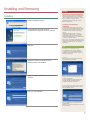
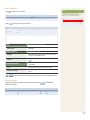
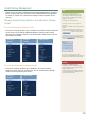
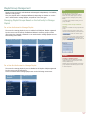
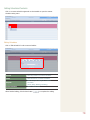
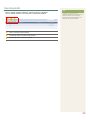
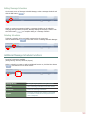
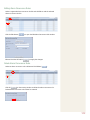
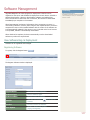
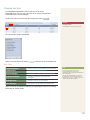
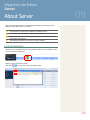
View Log List by Device
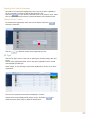
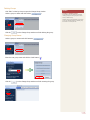
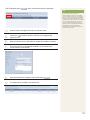
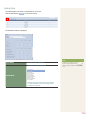
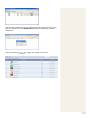
A list of devices registered on the server can be viewed.
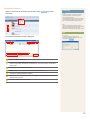
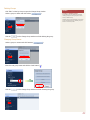
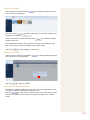
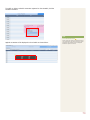
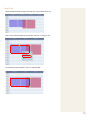
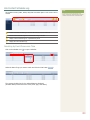
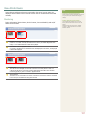
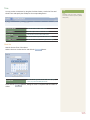
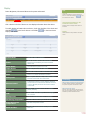
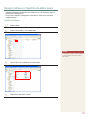
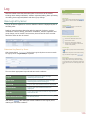
Device Log
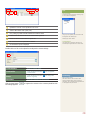
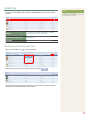
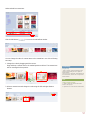
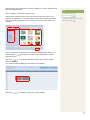
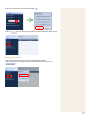
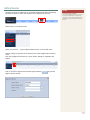
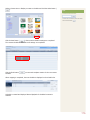
Select a device and click the Device Log button (
).
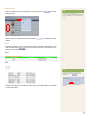
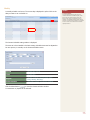
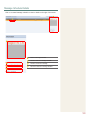
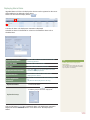
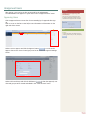
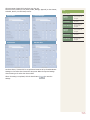
Device logs are displayed by date in ascending order.
Details of events that have taken place after the approval of a selected device,
such as modification of device settings and information and group change, can
be viewed. The event time and ID of the user that caused the event can also be
viewed.
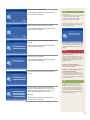
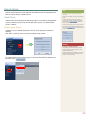
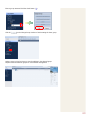
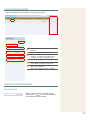
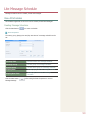
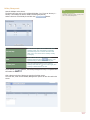
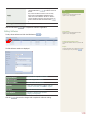
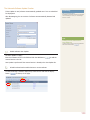
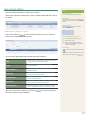
Customized Device Log Search
Tips
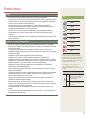
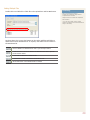
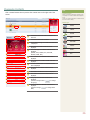
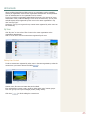
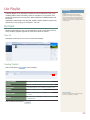
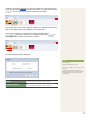
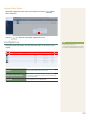
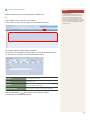
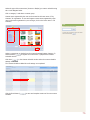
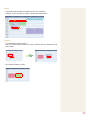
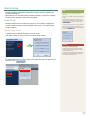
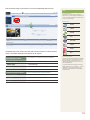
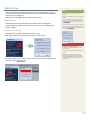
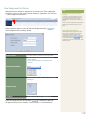
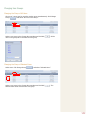
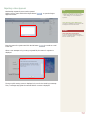
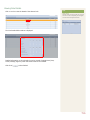
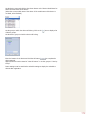
Click Custom Search (
) on the Device Log list screen to search for device
logs using a variety of keywords.
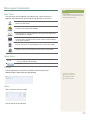
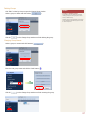
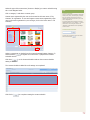
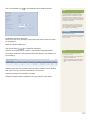
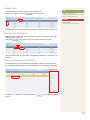
-- Recent Searches
The 10 most recent searches are displayed.
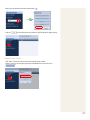
-- My Search
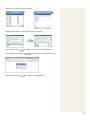
Enter a keyword and click Save Search (
) Click “Save” to save the search results in My
Search.
-- Shared Search
Click the (
) button to view the Save
Search Conditions window.
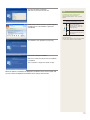
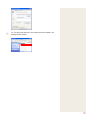
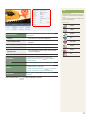
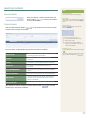
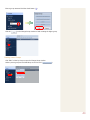
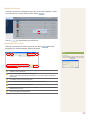
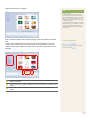
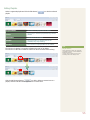
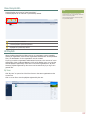
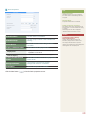
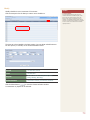
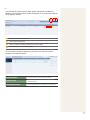
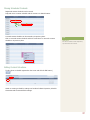
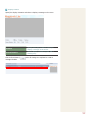
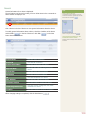
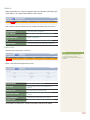
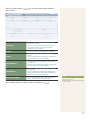
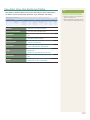
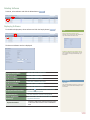
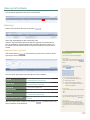
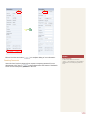
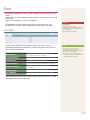
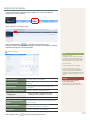
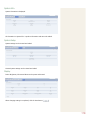
The user selects appropriate keywords and sets search conditions.
Log ID
Enter a log ID to search for device logs
matching the entered log ID.
Event Type
Select an event type and search logs
corresponding to the type.
Device ID
Device ID is displayed.
Device Name
Device name is displayed.
User ID
A user ID is entered to search for the
entered user’s device logs.
Event Occurrence Time
A period is set to search for all logs in the set
period.
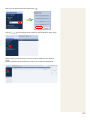
-- Search Management Buttons
( ) : Moves to the Advanced Search screen.
( ) : Deletes search results.
( ) : Moves to the Save Search Conditions
settings screen. (Whether to share search
results can be specified)
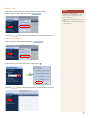
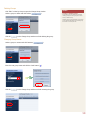
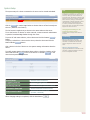
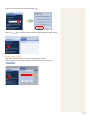
-- Search logs
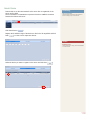
To search logs by period, click the calendar button
(
).
To go back to the previous screen after searching
logs, click the Search Again button (
).
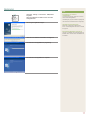
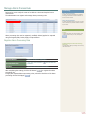
-- Event Type
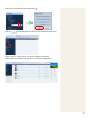
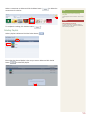
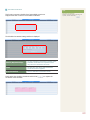
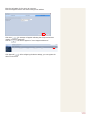
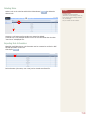
After you set the search conditions, click Search (
search conditions will be displayed.
). The device logs for the
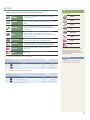
Events (Add a Device Group, Delete a Device
Group, Edit a Device Group, Edit Device Display
Conf., Edit System Conf. and Approve Unapproved
Device) that occurred on a device appear by event
type.
135