1
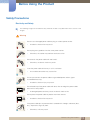
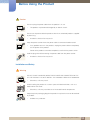
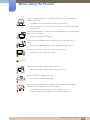
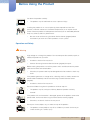
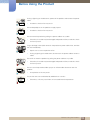
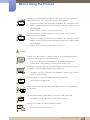
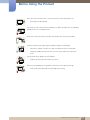
Before Using the Product 100 Do not insert a metallic object (a chopstick, coin, hair pin, etc.) or inflammable object (paper, match, etc.) into the vent or ports of the product. If water or any foreign substance enters the product, be sure to power off the product, remove the power cable, and contact Samsung Customer Service Center (page98). Product failure, an electric shock or fire may result. Do not place objects containing liquid (vases, pots, bottles, etc) or metallic objects on top of the product. If water or any foreign substance enters the product, be sure to power off the product, remove the power cable, and contact Samsung Customer Service Center (page98). Product failure, an electric shock or fire may result. Caution Leaving the screen fixed on a stationary image for an extended period of time may cause afterimage burn-in or defective pixels. ! If you are not going to use the product for an extended period of time, activate power-saving mode or a moving-picture screen saver. -_! Disconnect the power cable from the power socket if you do not plan on using the product for an extended period of time (vacation, etc.). Otherwise, a fire may result from accumulated dust, overheating, an electric shock, or electric leakage. Use the product at the recommended resolution and frequency. Your eyesight may deteriorate. ! Looking at the screen too close for an extended period of time can deteriorate your eyesight. ! Do not hold the monitor upside-down or move it by holding the stand. The product may fall and break or cause a personal injury. Do not use humidifiers or stoves around the product. An electric shock or fire may result. Before Using the Product 16