1
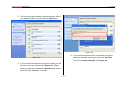
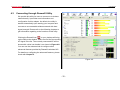
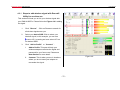
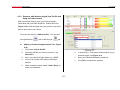
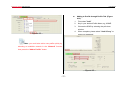
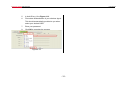
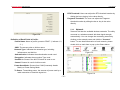
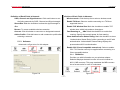
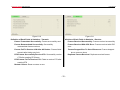
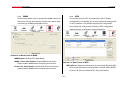
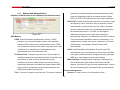
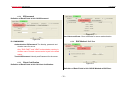
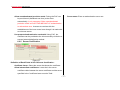
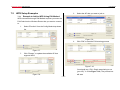
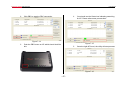
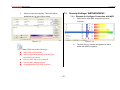
Wireless N Adapter RNX-N150PCx 6. User Manual When connect successfully. The result will be 7.3 Security Settings: WEP/WPA/WPA2 7.3.1 Example to Configure Connection with WEP displayed as it is in the figure below. 1. Select an AP with WEP encryption and click "Connect". Figure 7-18 Figure 7-17 2. The Auth.\Encry. function will appear as below, select with WEP encryption. Note: WPS Status Bar Message: WPS EAP process failed: WPS configuration doesn't complete after two-minute connection Receive EAP with wrong NONCE Receive EAP without integrity An inappropriate EAP-FAIL received - 43 -