1
Adjusting brightness and color
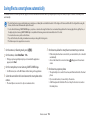
Learn how to adjust the brightness and color for better image quality.
3
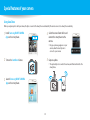
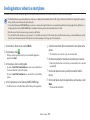
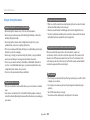
Adjusting the exposure manually (EV)
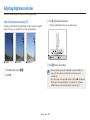
Depending on the intensity of the ambient light, your photos may be too bright or
dark. In these cases, you can adjust the exposure to get a better photo.
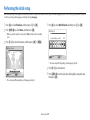
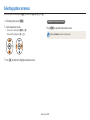
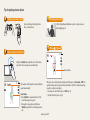
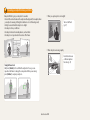
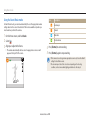
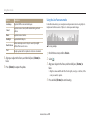
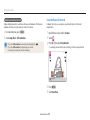
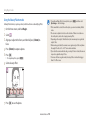
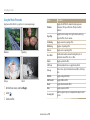
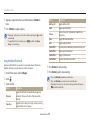
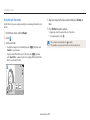
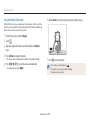
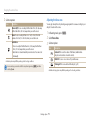
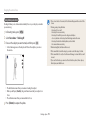
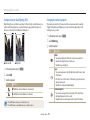
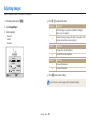
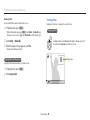
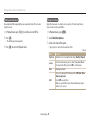
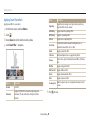
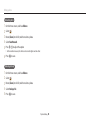
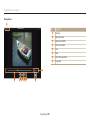
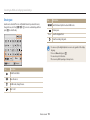
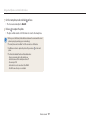
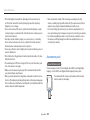
Press [F/t] to adjust the exposure.
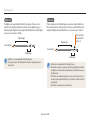
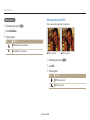
• The photo will be brighter as the exposure value increases.
EV : 0
Cancel
S Darker (-)
1
2
S Neutral (0)
S Brighter (+)
4
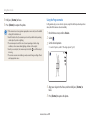
Set
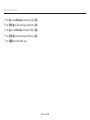
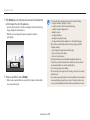
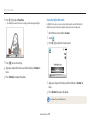
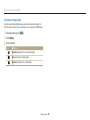
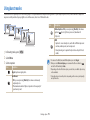
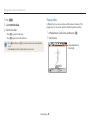
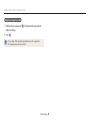
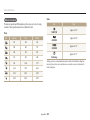
Press [o] to save your settings.
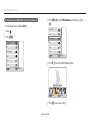
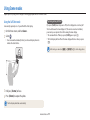
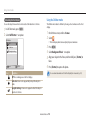
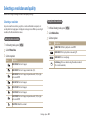
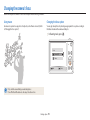
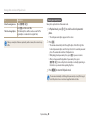
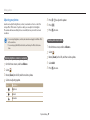
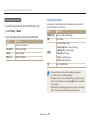
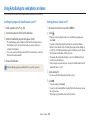
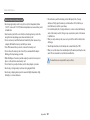
In Shooting mode, press [m].
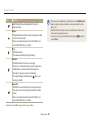
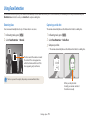
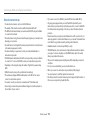
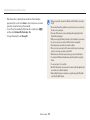
• Once you adjust the exposure, the setting will be stored automatically. You
Select EV.
may need to change the exposure value later to avoid overexposure or
underexposure.
• If you cannot decide on an appropriate exposure, select the AEB (Auto Exposure
Bracket) option. The camera will capture 3 consecutive photos, each with a
different exposure: normal, underexposed, and overexposed. (p. 79)
Shooting options 75