1
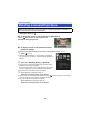
Automatic recording
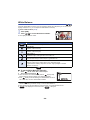
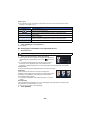
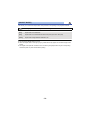
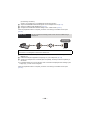
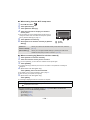
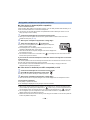
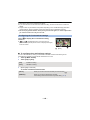
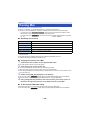
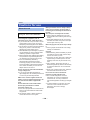
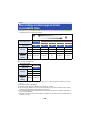
You can record a motion picture on this unit as it detects a moving or non-moving object.
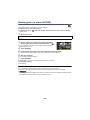
≥ Automatic recording will record for approximately 30 seconds.
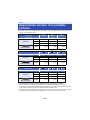
≥ Automatic recording can record a maximum of 1 hour 15 minutes per day. Check the remaining
available recording time.
≥ When automatic recording is performed with moving object detection, automatic recording is
performed only once within the set time.
≥ When automatic recording is performed with non-moving object detection, the set time will be
reset and non-moving object detection will start again.
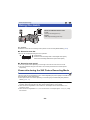
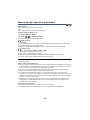
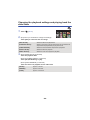
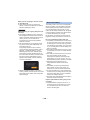
Changing the home monitor settings of this unit
Setting cannot be performed while operating monitoring with a smartphone.
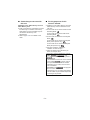
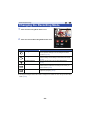
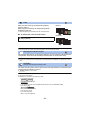
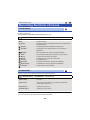
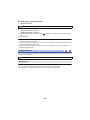
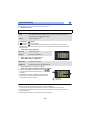
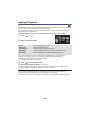
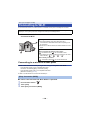
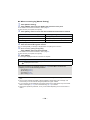
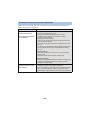
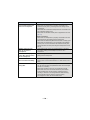
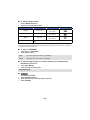
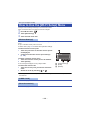
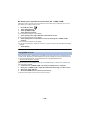
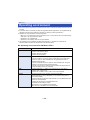
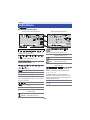
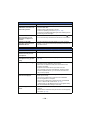
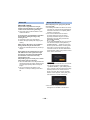
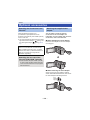
Touch [Setup] and select desired setting.
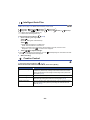
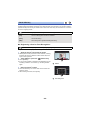
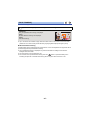
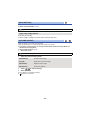
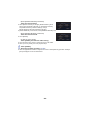
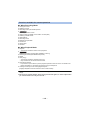
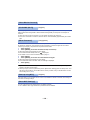
∫ [Home Monitor Connect]
You can display the registration screen for a Device ID and Password.
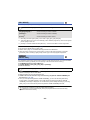
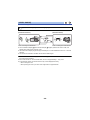
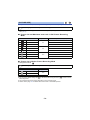
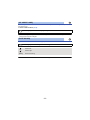
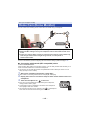
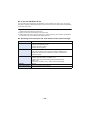
∫ [Remote Voice Level]
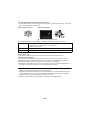
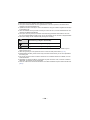
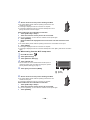
You can set the initial remote voice level and speaker volume level of the remote voice function.
(Volume low)/
(Volume high)
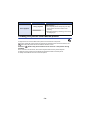
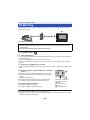
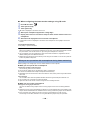
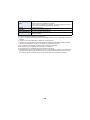
≥ The mode cannot be switched to another one during home monitoring operations.
≥ Although home monitoring can be performed with the battery, we recommend you use the AC
adaptor.
≥ It is recommended to use this unit fixed so that it will not move since it may cause false detection.
≥ Power of this unit will automatically turn off when monitoring condition continues for
approximately 10 days.
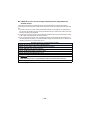
≥ [REC MODE] is set to [HE].
≥ [ZOOM MODE] is set to [i.Zoom OFF].
≥ If you close the LCD monitor face down while recording, the LCD monitor of this unit will not
display.
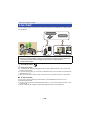
≥ The password for the home monitor settings will change when [Reset Wi-Fi Settings] is
performed. Set the home monitor settings of the smartphone again and reconnect to this unit
when [Reset Wi-Fi Settings] is performed.
- 150 -