1
4.3.4.4
1)
Traffic Monitoring
Port Mirror
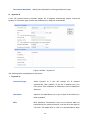
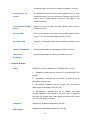
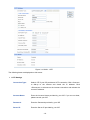
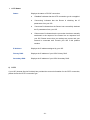
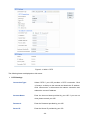
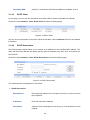
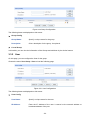
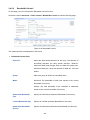
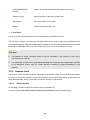
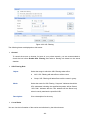
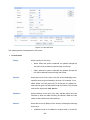
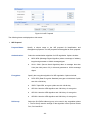
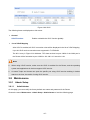
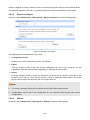
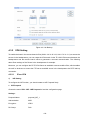
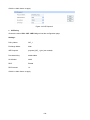
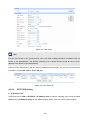
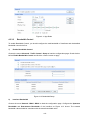
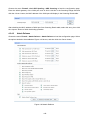
Choose the menu Network→Switch→Port Mirror to load the configuration page. Check the box
before Enable Port Mirror and select the Ingress&Egress mode. Select the Port 5 for the Mirroring
Port and the Port 3 and the Port 4 for the Mirrored ports. Click the <Save> button to apply.
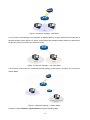
Figure 4-21 Port Mirror
2)
Statistics
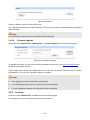
Choose the menu Maintenance→Statistics to load the page.
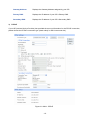
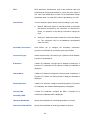
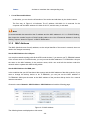
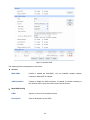
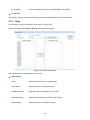
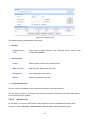
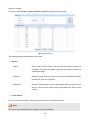
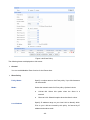
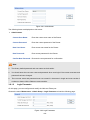
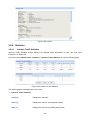
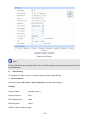
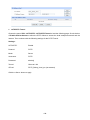
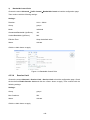
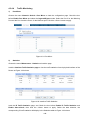
Load the Interface Traffic Statistics page to view the traffic statistics of each physical interface of the
Router as Figure 4-22 shows.
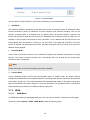
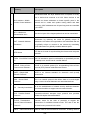
Figure 4-22 Interface Traffic Statistics
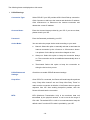
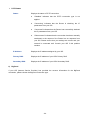
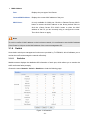
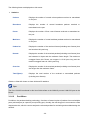
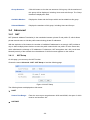
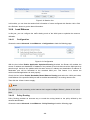
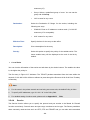
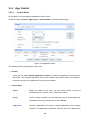
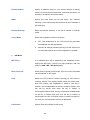
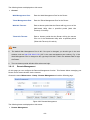
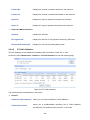
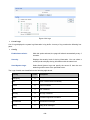
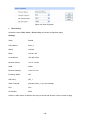
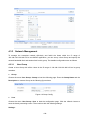
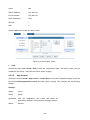
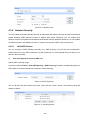
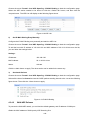
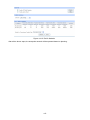
Load the IP Traffic Statistics page, and Check the box before Enable IP Traffic Statistics and
Enable Auto-refresh, then click the <Save> button to apply. Select the data direction, the
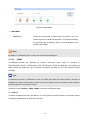
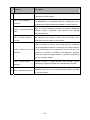
corresponding IP traffic statistics will display in the Statistics table as Figure 4-23 shows.
-146-