1
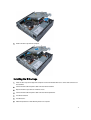
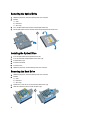
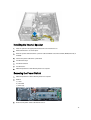
Installing the Hard Drive
1.
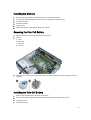
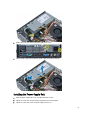
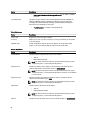
Insert the hard drive into the hard-drive bracket.
2.
Slide the hard drive back into the drive cage.
3.
Tighten the screws to secure the hard drive to the drive cage.
4.
Install the drive cage.
5.
Install the front bezel.
6.
Install the cover.
7.
Follow the procedures in After Working Inside Your Computer.
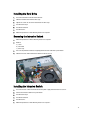
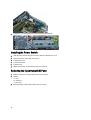
Removing the Intrusion Switch
1.
Follow the procedures in Before Working Inside Your Computer.
2.
Remove:
a) cover
b) front bezel
c) drive cage
3.
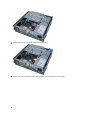
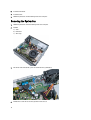
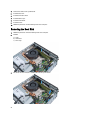
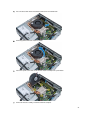
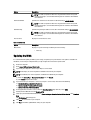
Press the clip inwards to release and gently pull the intrusion cable from system board.
4.
Slide the intrusion switch outward and remove it from the chassis.
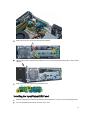
Installing the Intrusion Switch
1.
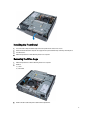
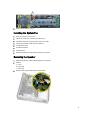
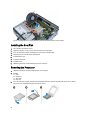
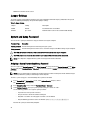
Insert the intrusion switch into the bracket on the power supply and slide it over to secure it.
2.
Connect the intrusion cable to the system board.
3.
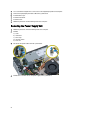
Install the drive cage.
4.
Install the front bezel.
5.
Install the cover.
6.
Follow the procedures in After Working Inside Your Computer .
13