1
5 SETTING MODE
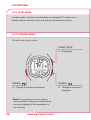
5.5.3 Setting the time
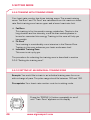
Example: Winter time has changed to summer time and you want to
adjust the time on your heart rate monitor.
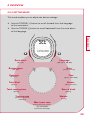
Prerequisite: Your heart rate monitor must be in setting mode.
US/GB
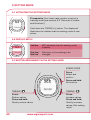
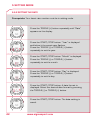
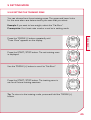
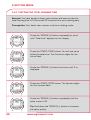
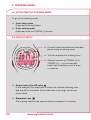
Press the TOGGLE (+) button repeatedly until “Time”
appears on the display.
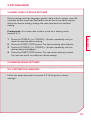
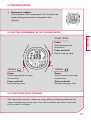
Press the START/STOP button. “24H” is displayed
and flashes. Use the TOGGLE (-) or TOGGLE (+)
buttons to choose between 12-hour and 24-hour
format.
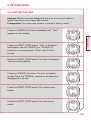
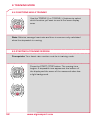
Press the START/STOP button. The time is displayed.
The hours entry flashes.
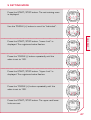
Press the TOGGLE (+) button. The hour increases
by one. Press the TOGGLE (-) button to decrease the
displayed hour by one.
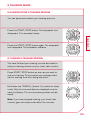
Press the START/STOP button. The minute entry
flashes.
Press the START/STOP button. The new time is
saved.
43