1
Installing the Speakers
1.
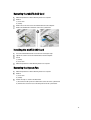
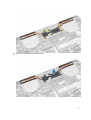
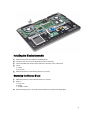
Place the speakers into its original position on the computer.
2.
Route the speaker cable along the routing channel.
3.
Connect the speaker connector to its slot on the system board.
4.
Install:
a)
b)
c)
d)
e)
f)
g)
h)
i)
5.
system board
heatsink
system fan
coin-cell battery
mSATA SSD card
WLAN card
hard drive
battery
base cover
Follow the procedures in After Working Inside Your Computer.
Removing the Display Assembly
1.
Follow the procedures in Before Working Inside Your Computer.
2.
Remove :
a) base cover
b) battery
3.
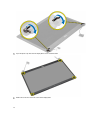
Disconnect the LVDS cable and the camera cable from its connectors on the system board.
25