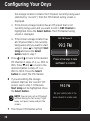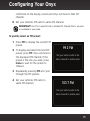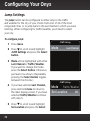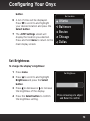
1
Vehicle Installation
Option 1: Aux In Cable Installation Instructions
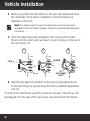
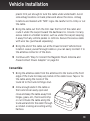
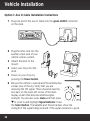
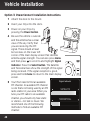
1 Plug one end of the Aux In Cable into the green AUDIO connector
on the dock.
AUDIO
ANT
PWR
FM
2 Plug the other end into the
auxiliary input jack of your
vehicle’s stereo system.
menu
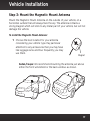
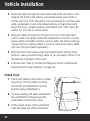
3 Attach the dock to the
mount.
FM
1
2
3
jump
4
5
6
7
8
9
0
direct
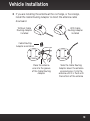
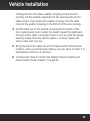
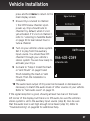
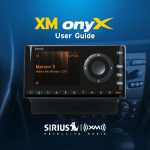
4 Insert your Onyx into the
dock.
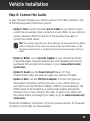
5 Power on your Onyx by
pressing the Power button.
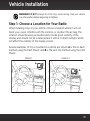
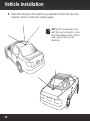
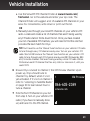
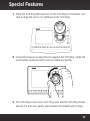
6 Be sure the vehicle is outside and the antenna has
a clear view of the sky. Verify that you are
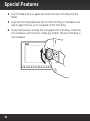
receiving the XM signal. There should at least be
two bars on the lower left corner of the main
menu
display screen that denotes antenna signal
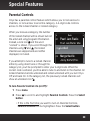
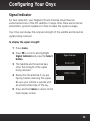
strength. You can also press menu and then press
FM
to scroll to and highlight Signal Indicator. Press
jump
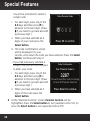
the Select button. The Satellite and Terrestrial bars show the
strength of the signal being received. If the signal reception is good,
1
36
2
3
4
5
6
7
8
9
0
direct