1
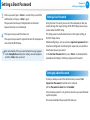
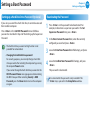
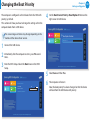
Using a wireless keyboard/mouse (Optional)
Chapter 3.
Using the computer
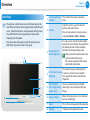
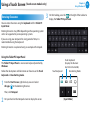
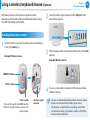
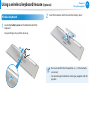
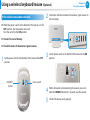
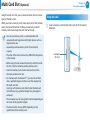
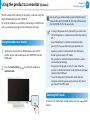
30 seconds of reconnecting the receiver, press and
2 Within
hold the CONNECT button for 1 seconds near the receiver.
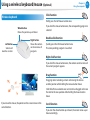
If the wireless keyboard does not work
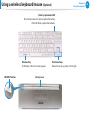
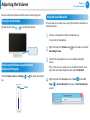
► Check if it is out of battery.
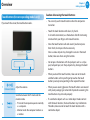
For the keyboard, check if the battery low indicator
the top right blinks.
at
CONNECT button
If the indicator blinks, you need to replace the battery.
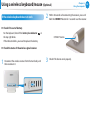
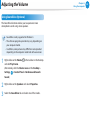
► Check the status of the wireless signal receiver.
1
Disconnect the wireless receiver from the main body and
then reconnect it.
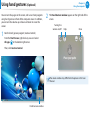
3 Check if the device works properly.
52