1
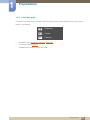
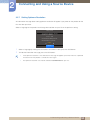
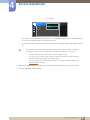
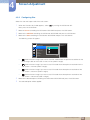
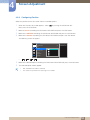
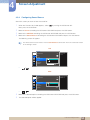
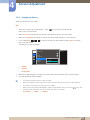
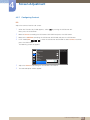
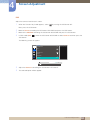
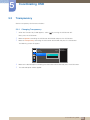
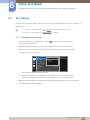
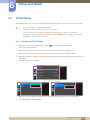
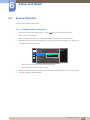
4 Screen Adjustment 4.3.5 Configuring Source Select the source for each screen. PIP 1 When the Function Key Guide appears, select [ ] by moving the JOG button UP. Next, press the JOG button. 2 3 4 Move to Screen controlling the JOG button UP/DOWN and press the JOG button. Move to the PIP/PBP controlling the JOG button UP/DOWN and press the JOG button. In PIP mode (Size / / ), move the JOG button UP/DOWN to select Source and then press the JOG button. The following screen will appear. PIP/PBP 2Q PIP/PBP Mode Select the source for each screen. Size Position Sound Source Source DisplayPort Image Size HDMI 2 Contrast 5 6 HDMI 1 HDMI 2 DisplayPort Move to the desired option controlling the JOG button UP/DOWN and press the JOG button. The selected option will be applied. The input source for the main screen changes. With the exception of the current input source, the other two input sources can be selected. The screen may flicker if the input signal is unstable. When the Function Key Guide appears, move the JOG button LEFT to select the [ then press the JOG button. The main screen will switch in the order DisplayPort → HDMI 1 → HDMI 2. ] icon and 4 Screen Adjustment 55