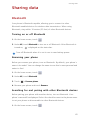
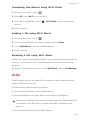
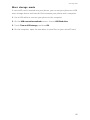
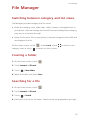
1
Getting started
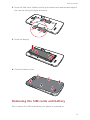
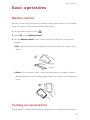
4. Insert the battery.
5. Close the battery cover.
Removing a microSD card
Uninstall the microSD card before you remove it; otherwise, the microSD
card may be damaged.
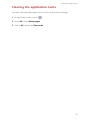
1. On the home screen, touch
.
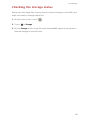
2. Under All, touch Storage.
3. Touch Unmount SD card.
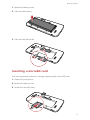
4. Carefully take out the microSD card.
Charging the battery
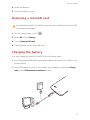
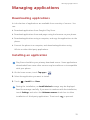
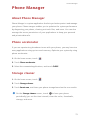
You can charge the phone in either of the following ways:
•
Use the provided USB cable and power adapter to connect your phone to a
power socket.
•
Use a USB cable to connect your phone to a computer, and touch Charge
only on the USB connection methods screen.
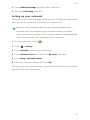
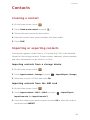
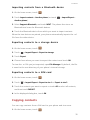
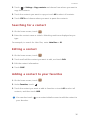
6