1
6
6.7
Setup and Reset
Off Timer
You can set the product to automatically turn off.
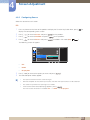
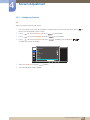
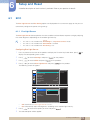
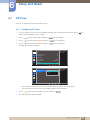
6.7.1 Configuring Off Timer
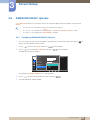
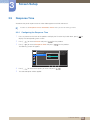
1
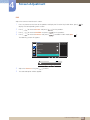
Press any button on the front of the product to display the Function Key Guide. Next, press [
] to
display the corresponding menu screen.
2
3
4
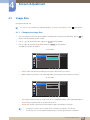
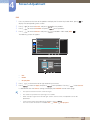
Press [
] to move to Settings and press [
] on the product.
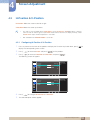
Press [
] to move to Off Timer and press [
] on the product.
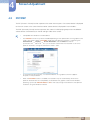
Press [
] to move to Off Timer and press [
] on the product.
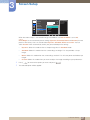
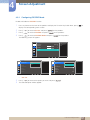
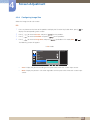
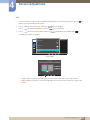
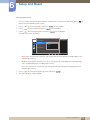
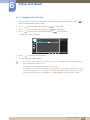
The following screen will appear.
Settings
Enable or disable
the Off Timer.
ECO
USB Super Charging
1.1
DisplayPort Ver.
PC/AV Mode
Source Detection
Auto
Key Repeat Time
Acceleration
Off Timer
Off Timer
5
6
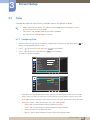
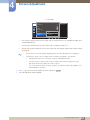
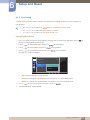
Off Timer
Off
Turn Off After
On
Enable or disable
the Off Timer.
z
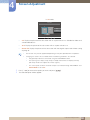
Off: Deactivate the off timer so that the product does not power off automatically.
z
On: Activate the off timer so that the product powers off automatically.
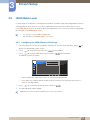
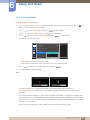
Press [
] to move to the option you want and press [
].
The selected option will be applied.
6 Setup and Reset
84