1
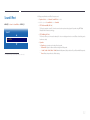
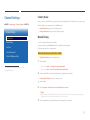
Edit Channel
Manage channels saved on your TV. Delete channels, re-register deleted channels or rename analogue channels.
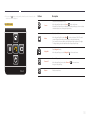
――Conveniently configure settings using the remote control buttons displayed at the bottom of the screen.
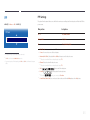
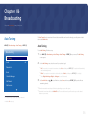
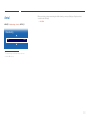
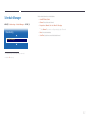
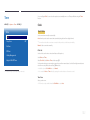
MENU m → Broadcasting → Edit Channel → ENTER E
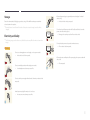
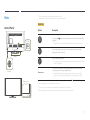
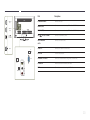
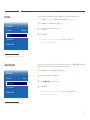
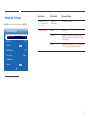
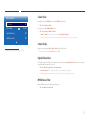
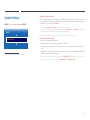
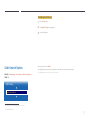
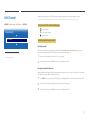
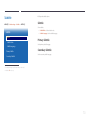
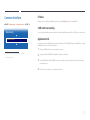
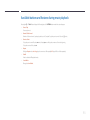
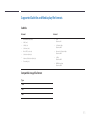
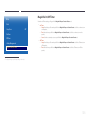
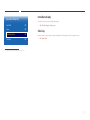
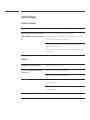
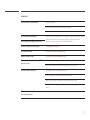
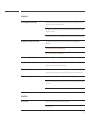
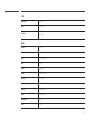
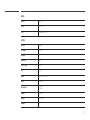
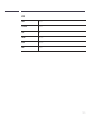
Icons found in the edit channel page
Broadcasting
••
••
••
Edit Channel
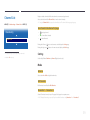
A : Analogue channel
*: A channel that is selected
\ : Locked channels
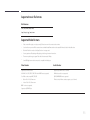
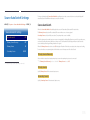
Deleting/registering channels
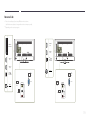
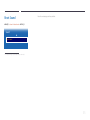
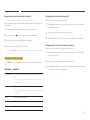
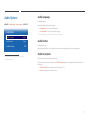
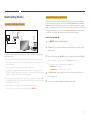
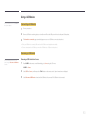
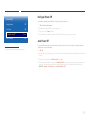
Deleting channels
-- The displayed image may differ depending on the model.
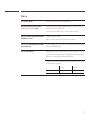
Delete channels, if required. Note that deleting channels from the Recently Viewed or Most Viewed category does not
remove the channels permanently. The channels are only removed from the categories.
-- Available in TV mode only.
1
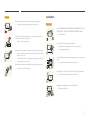
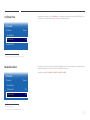
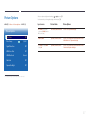
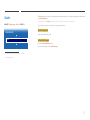
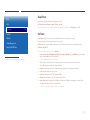
Select channels to delete from the screen. To cancel, select again.
2
After selecting channels, select Delete from the screen to delete the channels.
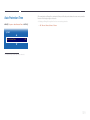
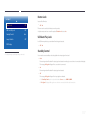
Re-registering deleted channels
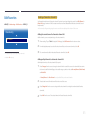
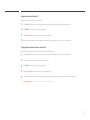
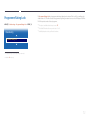
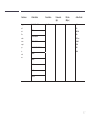
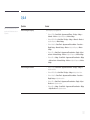
Register deleted channels again, if required. Deleted channels are grayed out and can only be found in the list of all channels.
The register function is enabled for deleted channels only.
1
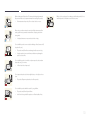
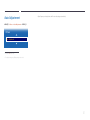
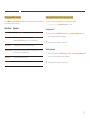
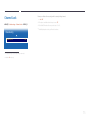
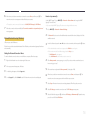
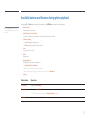
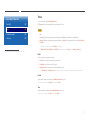
Press TOOLS on the screen to display the Tools page. Select Category from the sub-menu items and then select All.
2
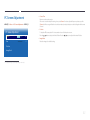
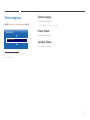
From the list of all channels, select deleted channels you want to register again.
3
After selecting channels, select Add from the screen to re-register the channels.
63