1
Editing a photo
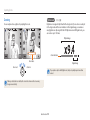
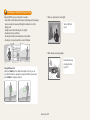
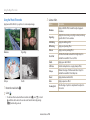
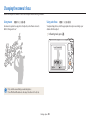
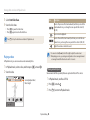
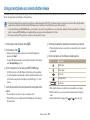
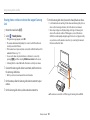
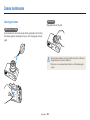
Cropping a photo
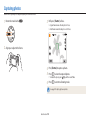
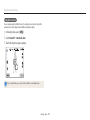
1
2
3
4
5
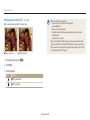
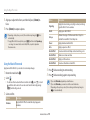
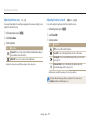
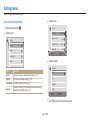
Applying Smart Filter effects
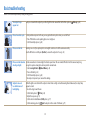
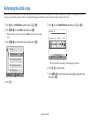
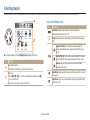
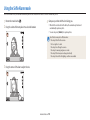
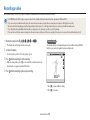
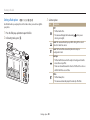
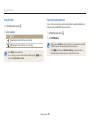
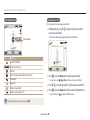
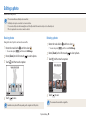
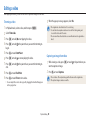
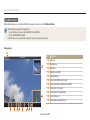
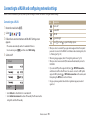
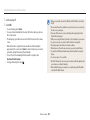
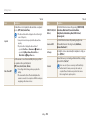
Rotate the mode dial to g, and then select
.
• You can also press [m], and then select Edit Image.
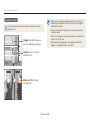
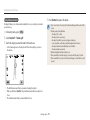
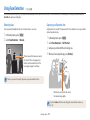
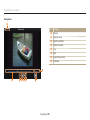
Rotate [Zoom] to the left or touch
Touch
to select a photo.
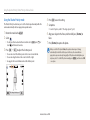
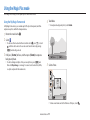
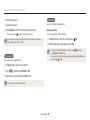
, and then drag the frame to a desired location.
Adjust the size of the area by dragging the corners of the box.
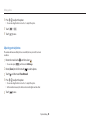
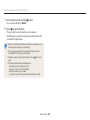
Touch
to save.
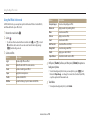
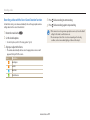
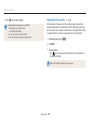
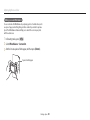
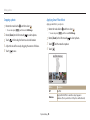
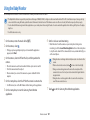
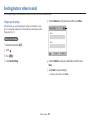
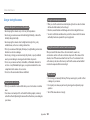
Apply special effects to your photos.
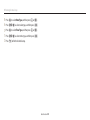
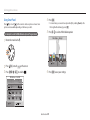
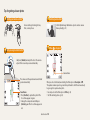
1
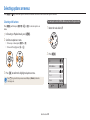
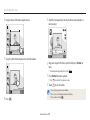
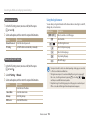
Rotate the mode dial to g, and then select
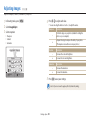
2
3
4
Rotate [Zoom] to the left or touch
.
• You can also press [m], and then select Edit Image.
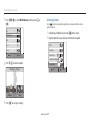
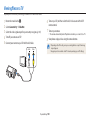
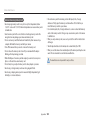
Touch
to select a photo.
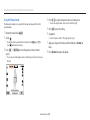
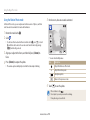
, and then touch an option.
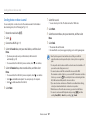
Touch
.
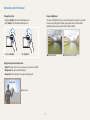
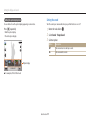
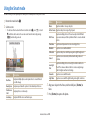
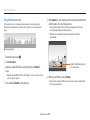
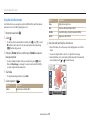
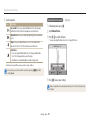
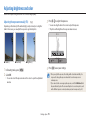
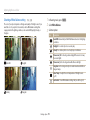
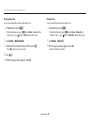
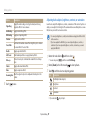
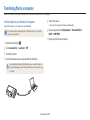
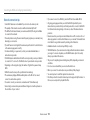
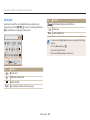
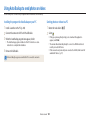
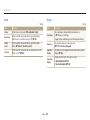
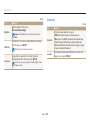
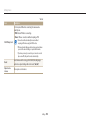
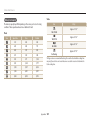
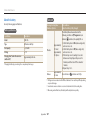
Smart Filter : Miniature
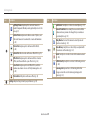
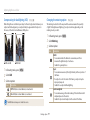
Option
Off
Miniature
Playback/Editing 96
Description
No effect
Apply a tilt-shift effect to make the subject appear in
miniature. (The top and bottom of the photo will be blurred.)