1
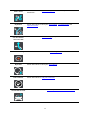
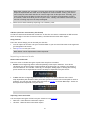
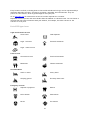
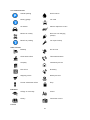
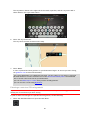
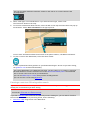
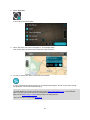
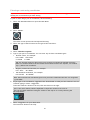
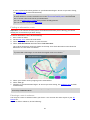
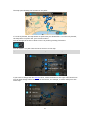
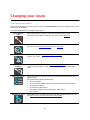
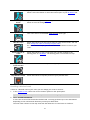
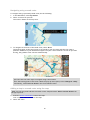
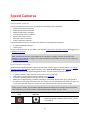
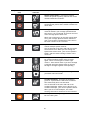
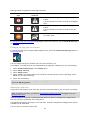
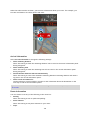
Warning sounds are played for these types of zones:
Symbol shown on
map
Symbol shown in
route bar
Description
Danger zone - this type of warning is only given in
France.
You are warned at the start and end of the danger
zone.
Risk zone - this type of warning is only given in
France.
You are warned at the start and end of the risk
zone.
Traffic jams - warnings are given in the route bar
for traffic jams.
To change the way you are warned about danger zones and risk zones, select Sounds & Warnings in
the Settings menu.
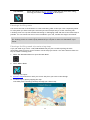
Changing the way you are warned
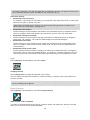
To change the way you are warned about danger zones, select the Sounds and Warnings button in
the Settings menu.
You can change settings for whether you want to be warned or not.
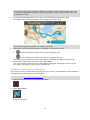
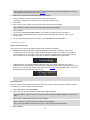
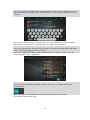
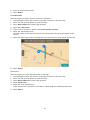
For example, to change how you are warned when you approach a danger zone, do the following:
1.
2.
3.
4.
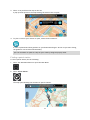
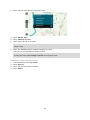
Select Sounds and Warnings in the Settings Menu.
Select Safety warnings.
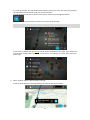
Select Danger zones.
Select whether you always want to be warned or warned only when you are speeding. Select
Never to turn off the warning.
5. Select the back button.
Tip: To turn off all audible warnings, select Settings, followed by Sounds and Warnings and then
switch off Warning sounds.
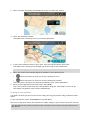
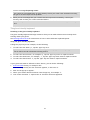
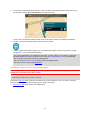
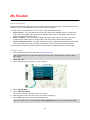
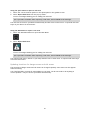
Reporting a risk zone
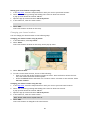
If you pass a new temporary risk zone that you were not warned about, you can report it instantly.
Note: To report a risk zone, you must be connected to TomTom services and logged in to your
MyTomTom account.
If a new temporary risk zone is reported directly before or after an existing risk or danger zone,
then the new zone is added to the existing zone.
If enough Danger Zones users report a new risk zone, that zone may become a danger zone and be
available for all subscribers.
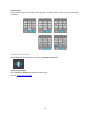
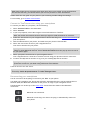
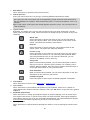
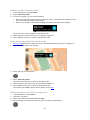
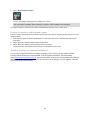
You can report a risk zone in two ways:
96