1
live
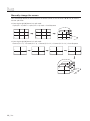
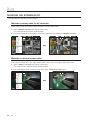
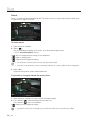
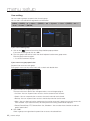
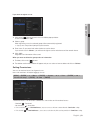
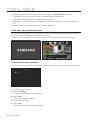
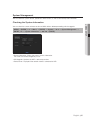
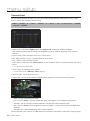
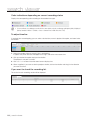
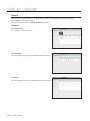
Maintain the Screen Ratio
The screen ratio for a live video can be changed.
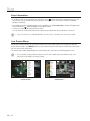
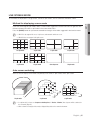
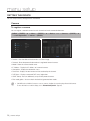
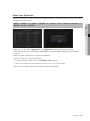
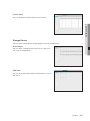
Maintain a screen ratio for all channels
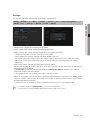
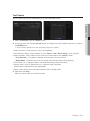
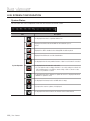
Video screen ratio for all channels can be changed in live split screen mode.
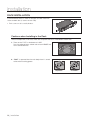
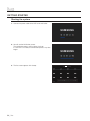
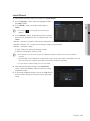
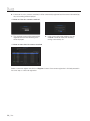
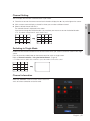
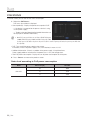
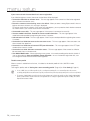
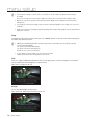
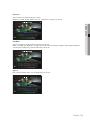
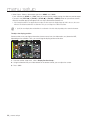
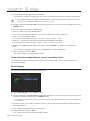
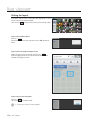
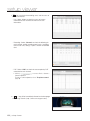
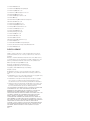
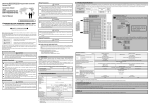
1. Select <Keep full scr ratio> from the live screen menu.
The screen ratio for all channels will be changed.
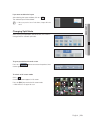
2. If you want to go back to the previous screen ratio, check the menu option for <Keep full scr ratio>.
Scene Mode
►
CH Info
Live Status
Record Status
PoE Status
Layout
►
Audio Off
Freeze
Stop Alarm
Record
Keep full scr ratio
Play
Search
Backup
Menu
Quick Setup
►
Shutdown
Hide Launcher
Logout
;
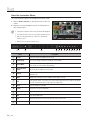
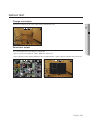
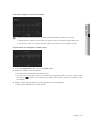
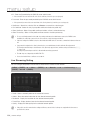
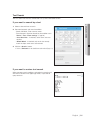
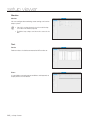
Maintain a channel screen ratio
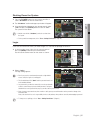
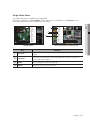
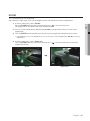
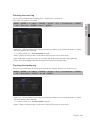
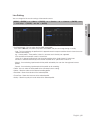
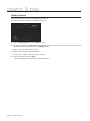
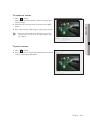
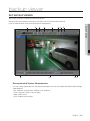
If you select a channel from a live single screen or split screen, you can change its video screen ratio.
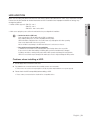
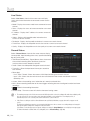
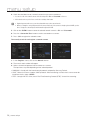
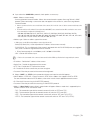
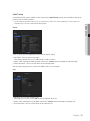
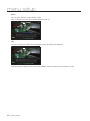
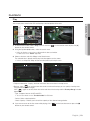
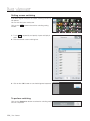
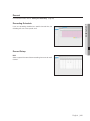
1. Select <Keep ch. scr ratio> from the live screen menu.
The screen ratio of a specified channel will be changed.
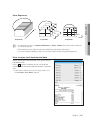
2. If you want to go back to a previous screen ratio, select <Keep ch. scr ratio> again.
Scene Mode
►
CH Info
Live Status
Record Status
PoE Status
Layout ►
PTZ Control
ZOOM
Audio►
Freeze
Stop Alarm
Capture
Record
Keep ch. scr ratio
Play
Search
Backup
Menu
Quick Setup
►
Shutdown
Hide Launcher
Logout
54_ live
;