1
Wireless network >
Connecting to a WLAN and configuring network settings
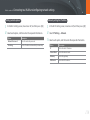
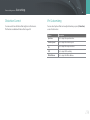
Setting network options
1
Manually setting the IP address
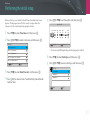
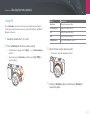
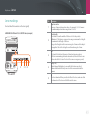
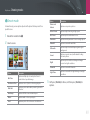
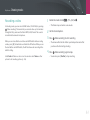
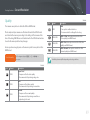
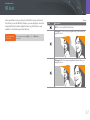
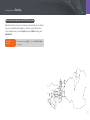
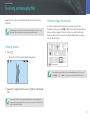
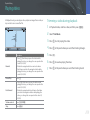
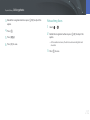
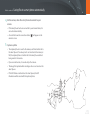
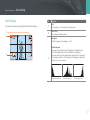
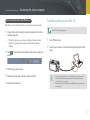
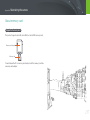
In the Wi-Fi Setting screen, move to an AP, and then press [F].
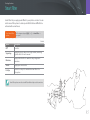
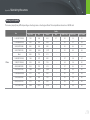
2 Select each option, and then enter the required information.
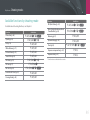
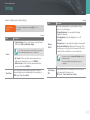
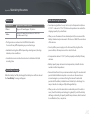
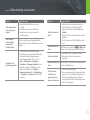
Option
Description
Network Password
Enter the network password.
IP Setting
Set the IP address automatically or manually.
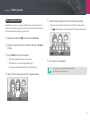
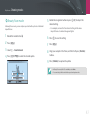
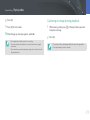
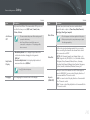
1
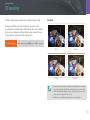
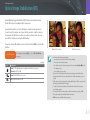
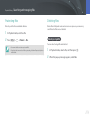
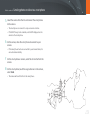
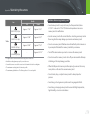
In the Wi-Fi Setting screen, move to an AP, and then press [F].
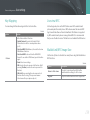
2 Select IP Setting → Manual.
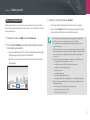
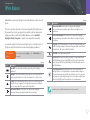
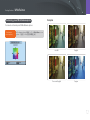
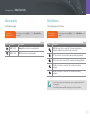
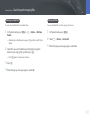
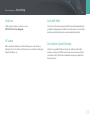
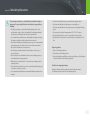
3 Select each option, and then enter the required information.
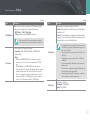
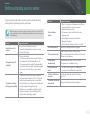
Option
Description
IP
Enter the static IP address.
Subnet Mask
Enter the subnet mask.
Gateway
Enter the gateway.
DNS Server
Enter the DNS address.
116