1
Installation under Mac OS
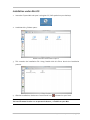
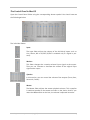
1. Insert the CD provided and open it using the CD / DVD symbol on your desktop.
2. A window with 3 folders opens.
Double-click the Control Panel to open it.
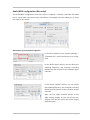
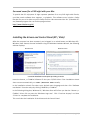
3. This contains the installation file *.dmg. Double-click this file to launch the installation
process.
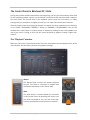
4. After the installation, the Aureon Control Panel icon
is located on your Dock.
Note:
You need Firmware Version 1.10 to operate the Aureon 7.1 FireWire on your Mac.
8
SoundSystem Aureon 7.1 FireWire (English)