1
ODYS MC-A5
EN
4.7.3
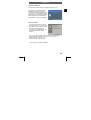
Playing audio
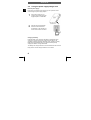
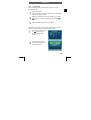
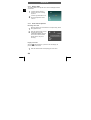
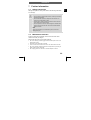
The symbol "WAV" in the top left corner of the LCD display indicates
an audio file.
1
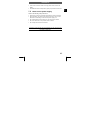
Press the shutter release to
start and stop voice recording
playback.
2
Press the joystick buttons ▲ or
▼ during playback to set the
volume.
4.7.4
Voice notes for pictures
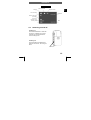
Recording voice notes
1
2
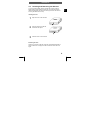
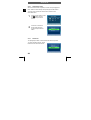
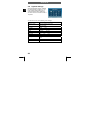
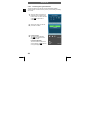
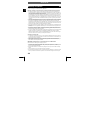
Select the picture to be commented on as required using ◄ and
► in playback mode.
Press the shutter release to start
recording the voice notes.
“VOICE RECORDING” appears
on the LCD. Press the shutter
release again to stop voice
recording.
Playing voice notes
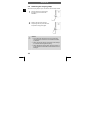
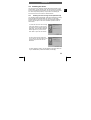
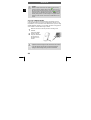
When the symbol appears in a picture on the LCD display, the
picture contains voice notes.
1
24
Press the shutter release to start playing the voice notes.