1
Using other menus (NA)
RETURN TO TOP OF THE PAGE
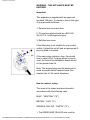
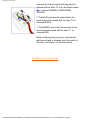
Skipping programmes (Channel edit)
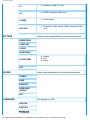
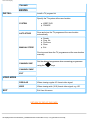
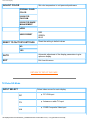
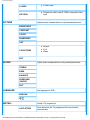
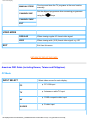
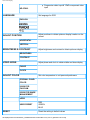
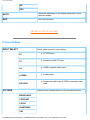
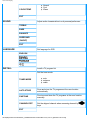
This menu allows you to set the skipped programmes when you use p +/- keys to access the
programme.
1.
2.
3.
4.
5.
6.
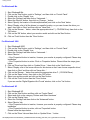
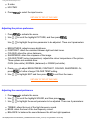
Press
to activate the menu.
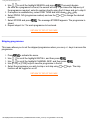
Use , to scroll the highlight INSTALL, and then press
.
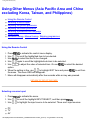
Use , to scroll the highlight CHANNEL EDIT.
Use , keys to view the programme in the list.
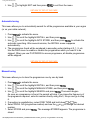
Toggle skip or not skip using
or
keys.
Use , to highlight EXIT and then press
to exit from the menu.
RETURN TO TOP OF THE PAGE
file:///D|/My%20documents/dfu/B2C_TV/ENGLISH/150T4/osd/tv_na.htm (5 of 5) [3/2/2004 3:44:35 PM]