1
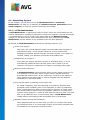
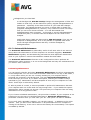
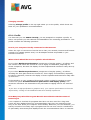
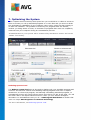
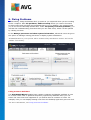
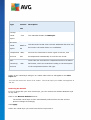
In the Details area, you can see the name of the selected program, its current
status and the load on the system from that program. You can use the switch to
enable or disable the program. If no program is selected, you will see an
overview here showing how many programs are enabled/disabled or relevant to
the system. If several programs are selected, the details area shows the number
of programs with the various statuses. The status shown next to the switch is
the predominant status. In the next column, you can see the current status of
the program in question.
Possible Statuses of Programs
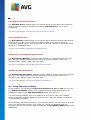
In AVG Program Deactivator, there are four different statuses for programs.
Desired status
In the Desired status column, you can see the status that you have selected for
your programs. You can change the desired status by clicking on the switch.
Enabled
The program is fully enabled and is having an impact on the load on your
computer.
Disabled
The services of the program that run continuously in the background have been
turned off.
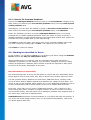
Required by system
This is a program that AVG PC TuneUp has classified as relevant for the security
or proper operation of your system and the disabling of which could have serious
consequences. Therefore, it is not possible to change the status of one of these
programs and the switch is grayed out.
Impactless
The program cannot be disabled because it does not have a negative impact on
the system load. For this reason, the switch is grayed out and cannot be
changed.
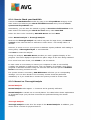
Current status
In the Current status column to the right, there is further information about the
current status of a program.
Permanently enabled
The program is fully functional and is causing a system load even when you are
A V G P C T uneU p © 2 0 1 2 C opyright A V G T ec hnologies C Z, s .r.o. A ll rights res erved.
37