1
TeamPoS 3000 XL and XL2
Maintenance
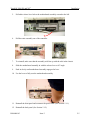
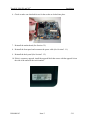
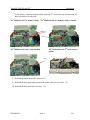
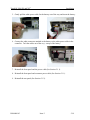
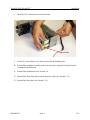
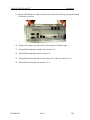
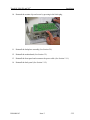
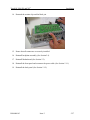
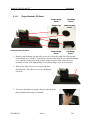
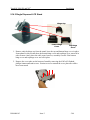
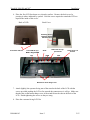
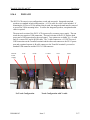
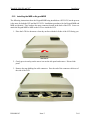
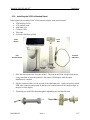
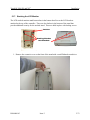
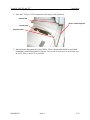
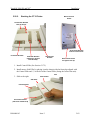
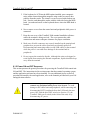
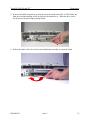
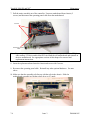
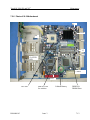
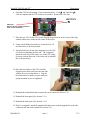
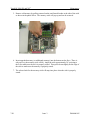
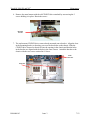
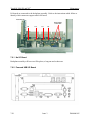
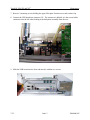
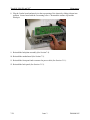
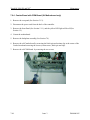
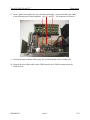
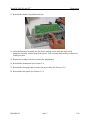
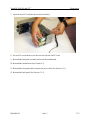
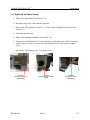
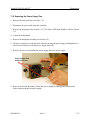
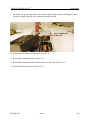
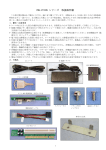
8. The power cable and ribbon cable come attached to the back of the CD/DVD drive.
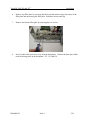
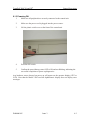
Attach the other end of the white power cable to the motherboard as shown in the
photo.
White Power
Connector
Ribbon Cable
Goes Here
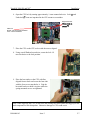
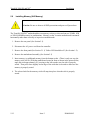
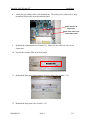
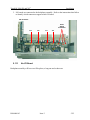
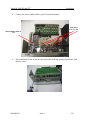
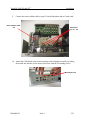
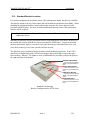
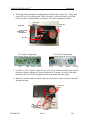
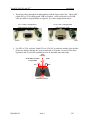
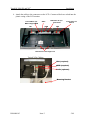
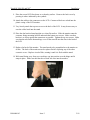
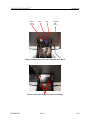
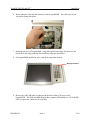
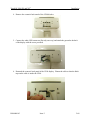
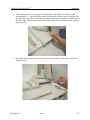
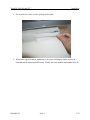
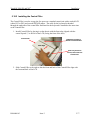
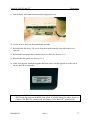
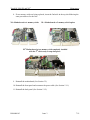
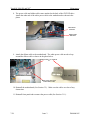
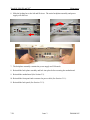
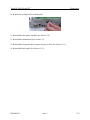
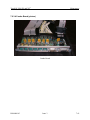
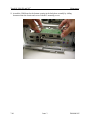
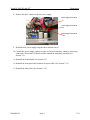
9. Attach the ribbon cable to the motherboard. The white power cable needs to loop
around the ribbon cable as shown in the photo below.
Ribbon cable is “Z” folded to
fit.
White power cable loops
around ribbon cable
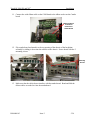
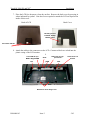
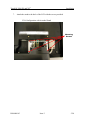
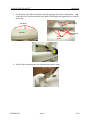
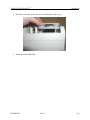
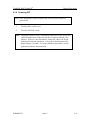
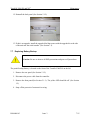
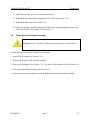
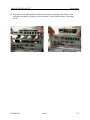
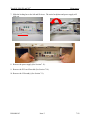
10. Reinstall the motherboard (See Section 5.2.). Make sure the cables are clear of any
obstruction.
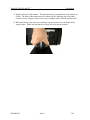
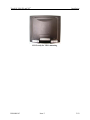
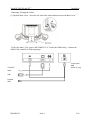
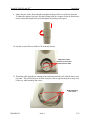
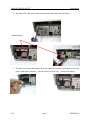
11. Reinstall front panel and reconnect the power cable (See Section 5.1.1).
7-24
Issue 3
D900000145