1
CHAPTER 8: CENTER CONTROL COVER
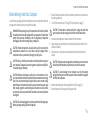
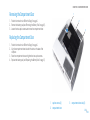
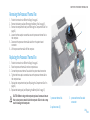
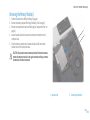
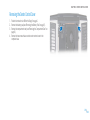
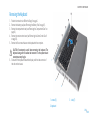
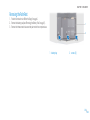
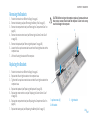
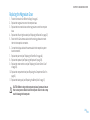
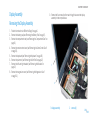
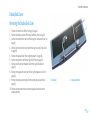
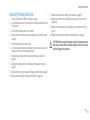
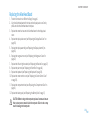
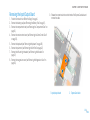
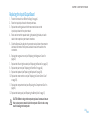
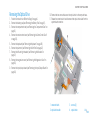
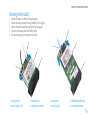
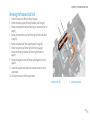
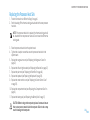
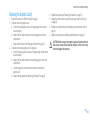
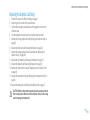
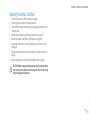
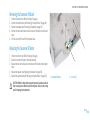
5. Turn the computer top side up, and open the display as far as it will open.
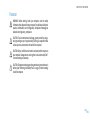
CAUTION: Be extremely careful when removing the center control cover.
The center control cover along with the cable that connects it to the
system board connector are very fragile.
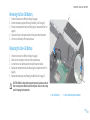
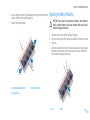
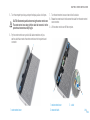
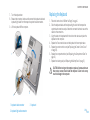
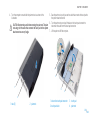
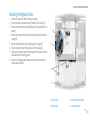
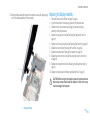
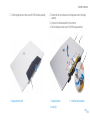
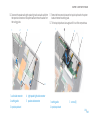
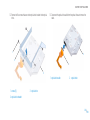
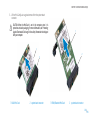
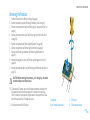
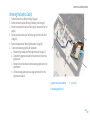
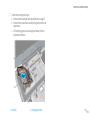
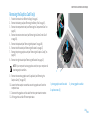
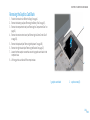
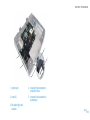
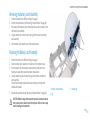
7. Turn the center control cover as shown in the illustration.
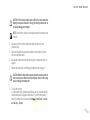
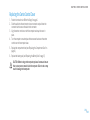
8. Release the connector latch to disconnect the cable from the center control
cover connector.
9. Lift the center control cover off the computer.
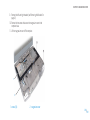
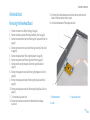
6. Pry the center control cover up with a flat-blade screwdriver until you
see the cable that connects the center control cover to the system board
connector.
1
1
2
1
1
center control cover
center control cover
2 connector latch
3
3
cable
034 /
034