1
5.
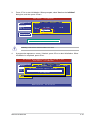
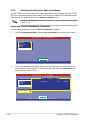
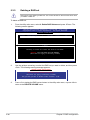
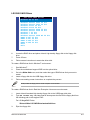
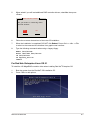
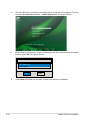
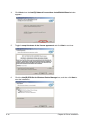
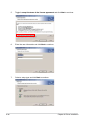
You have multiple devices which could serve as source for a driver disk. Choose one
you like to use and select OK, then press <Enter>.
Driver Disk Source
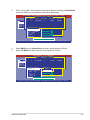
You have multiple devices which could
serve as source for a driver disk.
Which would you like to use?
sdc
sdd
sdb
sr0
OK
6.
Cancel
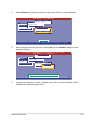
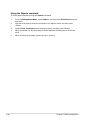
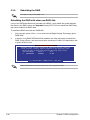
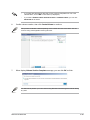
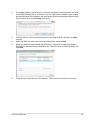
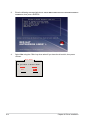
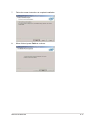
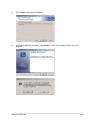
Insert the Red Hat® Enterprise RAID driver disk to the USB floppy disk drive, select
OK, then press <Enter>.
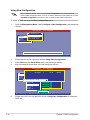
Insert Driver Disk
Insert your driver disk into /dev/sdb
and press “OK” to continue.
OK
Back
The drivers for the RAID card are installed to the system.
7.
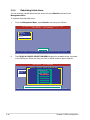
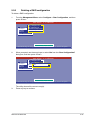
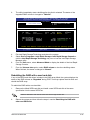
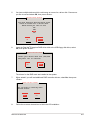
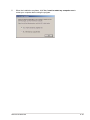
When asked if you will load additional RAID controller drivers, select No, then press
<Enter>.
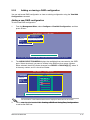
More Driver Disks?
Do you wish to load any more
driver disks?
Yes
8.
No
Follow the onscreen instructions to finish the OS installation.
ASUS ESC2000 G2
6-9