1
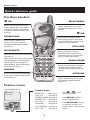
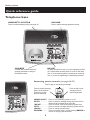
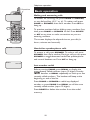
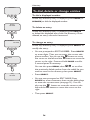
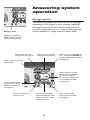
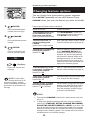
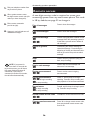
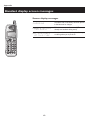
Number of messages (or, during
playback, message number currently playing).
Answering system operation
Message playback
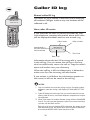
Press PLAY/STOP to hear messages. The system
announces the number of messages, then begins playback.
If you have new messages, you will hear only the new
messages (oldest first). If there are no new messages,
the system will play back all messages (oldest first).
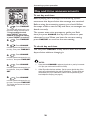
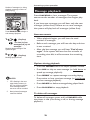
Press PLAY/STOP to begin or
end message playback.
1.
(Play/Stop)
“You have [xx] new
messages and [xx] old
messages.”
Message playback begins. See
options at right.
2.
(Play/Stop)
Message playback ends.
Announcements
• When playback begins, you will hear the total
number of messages.
• Before each message, you will hear the day and time
it was received.
• After the last message, you will hear "End of messages". If the system has less than five minutes of
recording time left, it will announce the remaining
time.
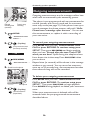
Options during playback
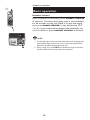
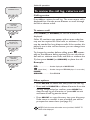
• Press the VOLUME button to adjust speaker volume.
• Press SKIP to skip to next message (or hold down to
speed up message playback).
NOTES:
1. If F is flashing in the message window, memory is
full. You will have to delete
some messages before
new ones can be recorded.
2. New (unheard) messages
cannot be deleted.
• Press REPEAT to repeat message currently playing.
Press twice to hear previous message (or hold down
to slow message playback).
• Press DELETE to delete message being played back.
• Press PLAY/STOP to stop playback.
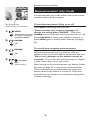
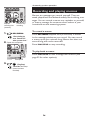
To delete all messages
To delete all messages, press and hold DELETE while
the phone is idle (not during a call, or during message
playback).
33