1
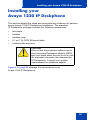
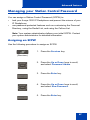
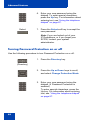
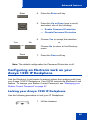
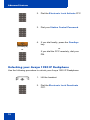
Installing your Avaya 1220 IP Deskphone
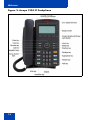
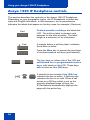
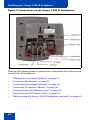
Figure 4: Connections on the Avaya 1220 IP Deskphone
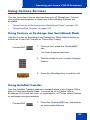
Perform the following steps to connect the components of the phone and
to install the IP Deskphone.
•
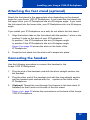
“Attaching the foot stand (optional)” on page 37
•
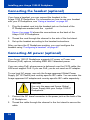
“Connecting the handset” on page 37
•
“Connecting the headset (optional)” on page 38
•
“Connecting AC power (optional)” on page 38
•
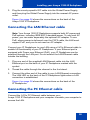
“Connecting the LAN Ethernet cable” on page 39
•
“Connecting the PC Ethernet cable” on page 39
•
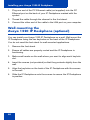
“Wall-mounting the Avaya 1220 IP Deskphone (optional)” on page 40
36